For information on the latest version, please have a look at GL013304.
3.2 Manual Mode
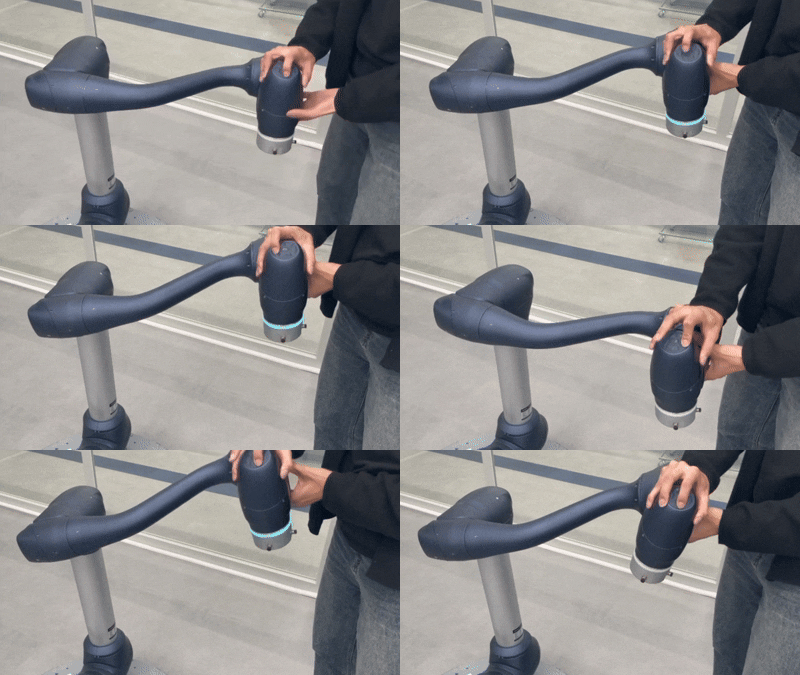
Manual Mode includes API functions that allow users to directly manipulate the robot
or interact with it through physical input devices.
When the robot is in Manual (Teach) Mode, the LED indicator displays a blue color.
These functions are typically used together with the following interaction methods.
Teach Pendant-Based Operation
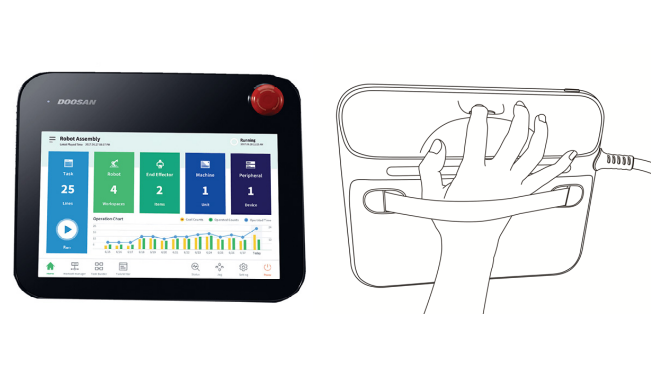
The Teach Pendant enables various forms of direct robot manipulation, including:
Jogging: Joint or Task-based incremental motion
Move: Direct movement to a target joint position or Cartesian pose
Coordinate Selection: Choosing the reference frame (TCP, Base, etc.)
Alignment & Homing: Axis alignment or moving the robot to its home position
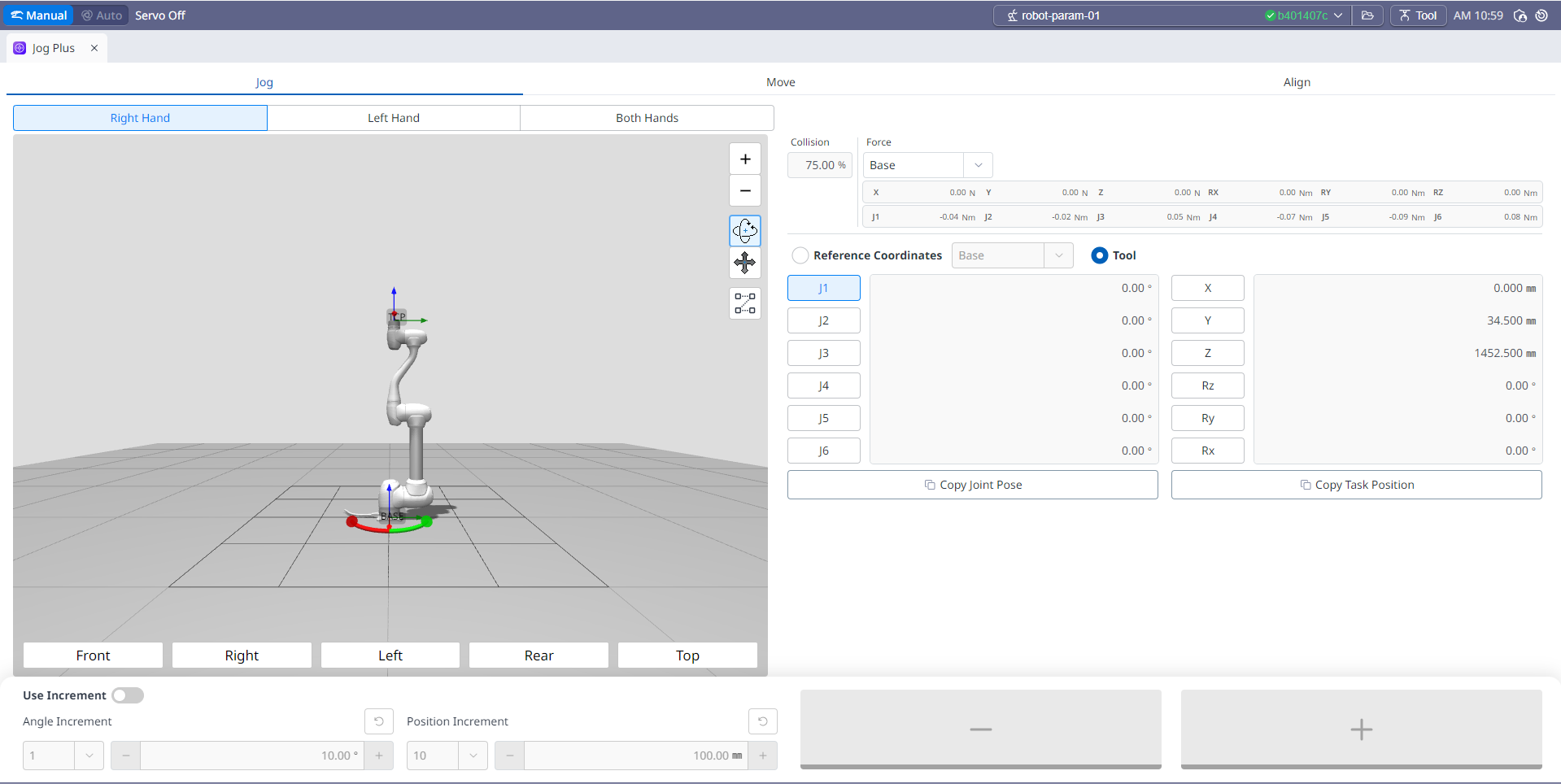
Jogging
The following coordinate-frame-based motion example illustrates how precise manual adjustments can be performed in Manual Mode.
Hand Guiding & Cockpit Control
When the Hand Guiding button on the back of the Teach Pendant is pressed, the robot switches to a compliant mode, allowing the operator to physically guide the robot by holding the flange and moving it to the desired pose. This provides a highly intuitive method for adjusting the robot’s position.
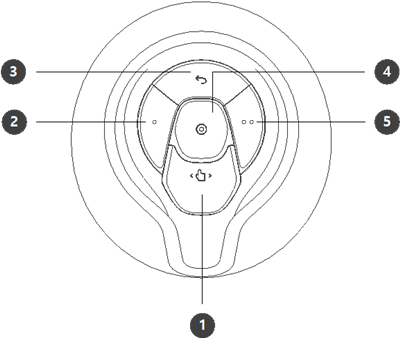
The Cockpit interface on top of the robot flange also allows manual control, including jogging, position adjustments, and orientation commands directly from the robot arm.
For a detailed guide on Manual Mode, refer to the link below:
Manual Mode Training Course