For information on the latest version, please have a look at GL013304.
3.3 Auto Mode
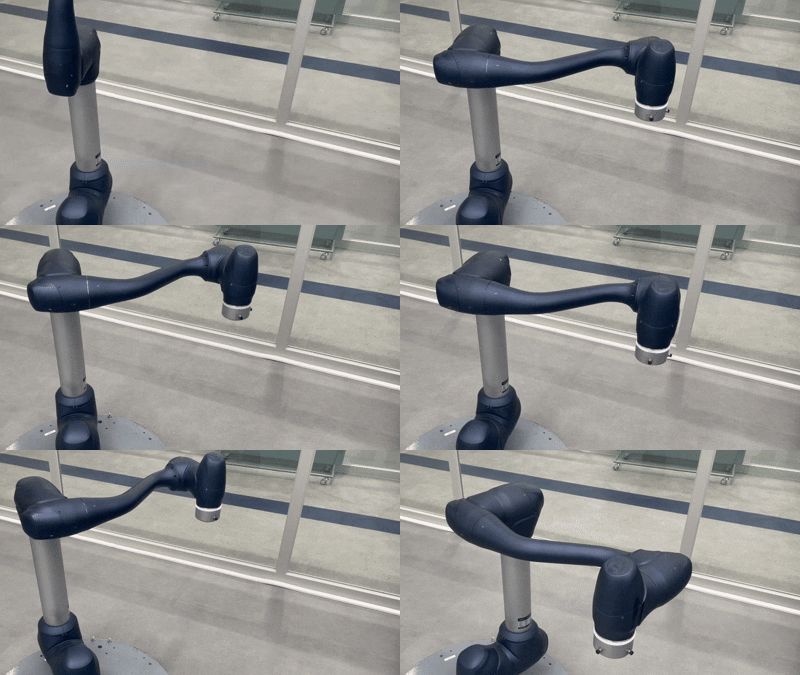
Auto Mode enables fully automated robot operation in which predefined tasks, DRL programs, and motion sequences
run without direct user control. Programs created in Task Builder or Task Writer can be verified in
Virtual Mode and executed on the real robot, and this mode supports preparation features such as tool-weight and weight-center measurement.
If required by a risk assessment, a 3-position Enable Switch must be configured through WCM > Robot > Safety I/O and kept in the center-enable position to permit Play, Start, Resume, or Servo On actions.
When the robot is in Auto Mode, the LED indicator displays a white color.
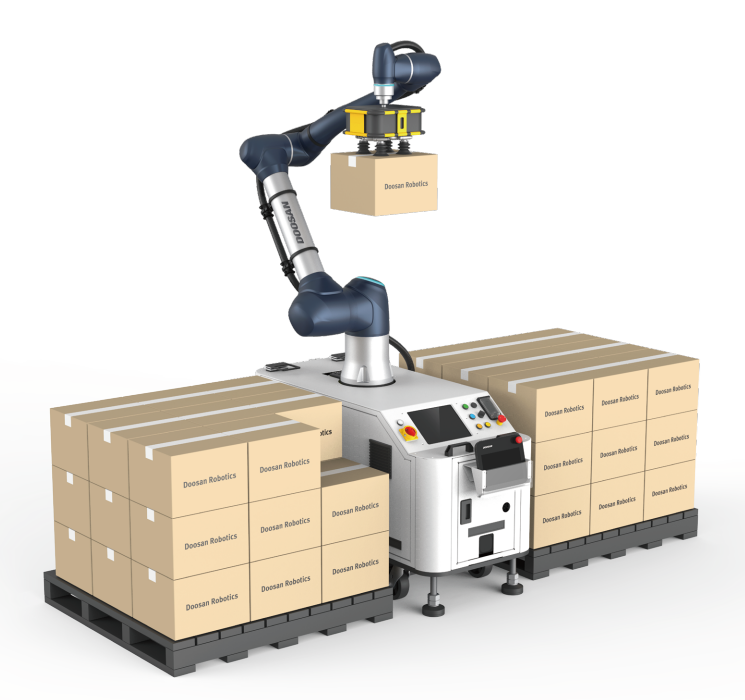
Auto Mode is intended for executing complete program flows, while Manual Mode is limited to single-action operations such as jogging and restricts TCP speed to 250 mm/s for safety. Because high-speed commands like movej may trigger overspeed faults in Manual Mode, full-speed or continuous-trajectory motions must be executed in Auto Mode.
- 3.3.1 DRL Program Control
- 3.3.2 Motion Primitives-Basic Trajectory
- 3.3.3 Motion Primitives-Advanced/Blending/Special Trajectories
- 3.3.4 Motion Control Utilities
- 3.3.5 Home & Recovery Operations
- 3.3.6 Force & Compliance Control
- 3.3.7 Velocity & Servo Following
- 3.3.8 Tools / TCP / Payload
- 3.3.9 GPIO / Modbus / Flange Serial