For information on the latest version, please have a look at GL013304.
6.1.2 Real Mode
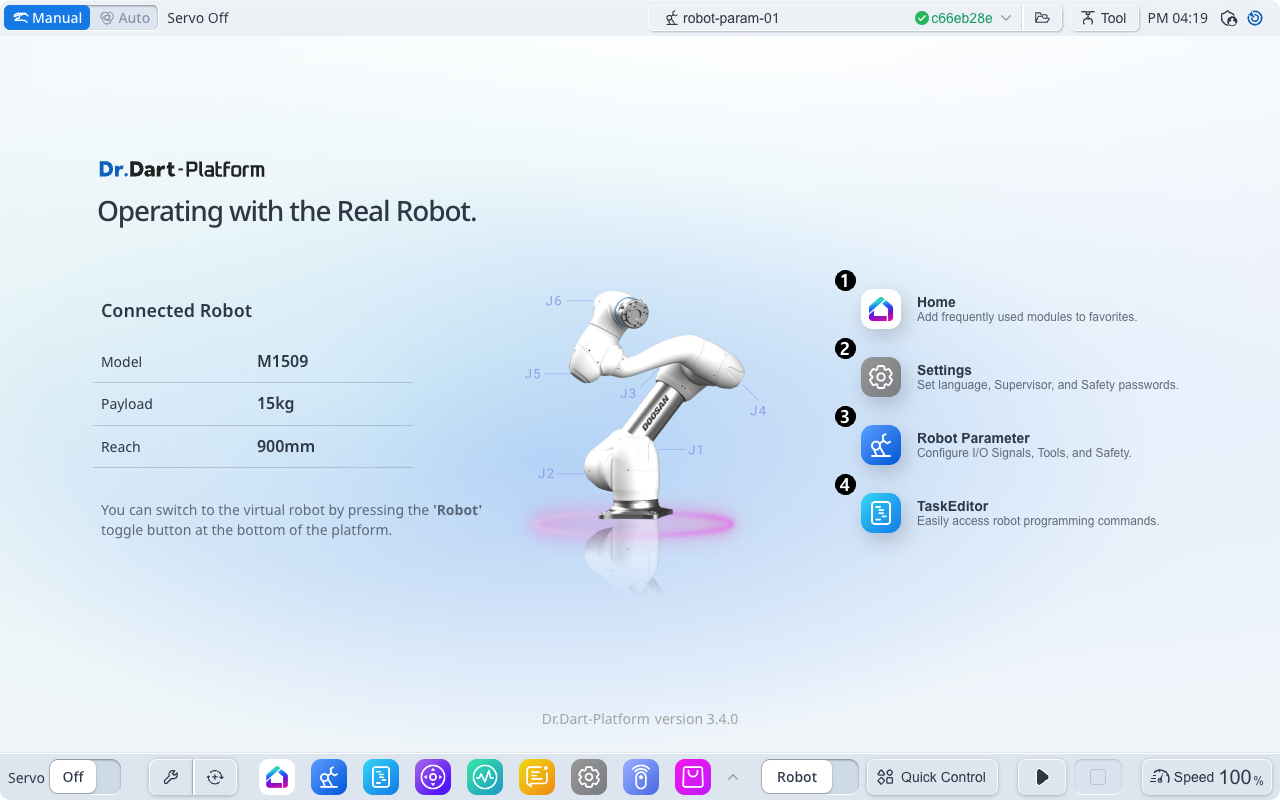
Overview
Real Mode is used to execute robot motions and programs on an actual robot connected to the controller. It provides full physical control with servo power, torque generation, and safety monitoring enabled. All commands operate under real-time conditions, requiring proper safety setup and control authority.
This mode is ideal for:
Running verified motion and DRL programs on a physical robot.
Performing calibration, force/torque control, or payload identification.
Integrating sensors, Modbus, or I/O devices in real hardware loops.
Key Features
Full Hardware Control: Commands drive actual servo motors and joints in real time.
Active Safety Circuit: Emergency Stop, Safe Stop, and Recovery systems are functional.
Servo & Power Management: Motion requires ServoOn; ServoOff immediately halts power.
Sensor Feedback: APIs such as get_external_torque() and get_tool_force() return real sensor data.
Safety Monitoring: Alarms, safety states, and IO events are updated through callbacks.
Notes & Cautions
ServoOn Required: Always enable ServoOn before executing any motion.
Safety Reset: If in Safe Stop or Safe Off, perform a safety reset before continuing.
Tool & Payload Check: Incorrect configuration may cause instability or drift.
Force Control Caution: Verify direction and gain when using compliance or force control.