Isaac Sim Integration
Overview
NVIDIA Isaac Sim is a high-fidelity robotics simulation platform designed for developing, testing, and validating robotic systems in virtual environments. It provides advanced simulation capabilities for robots, sensors, physics, and perception pipelines.
This tutorial explains how to use Doosan robots within the Isaac Sim environment. It focuses solely on running and operating Doosan robot models in Isaac Sim and does not cover general Isaac Sim usage or advanced scene authoring.
Note
This tutorial has been validated with the following environment:
NVIDIA Driver: 570
CUDA: 12.8
ROS 2: Humble
Isaac Sim: 4.5
System Prerequisites
Before proceeding with this tutorial, you must complete the official Isaac Sim installation provided by NVIDIA. Only after successfully installing Isaac Sim should you continue with the Doosan + Isaac Sim integration steps described here.
Please follow the official NVIDIA guide:
Official Isaac Sim Container Installation Guide
Warning
This tutorial is based on Isaac Sim 4.5. Other versions may have differences in APIs, container structure, or ROS 2 bridge behavior.
Isaac Sim requires a high-performance NVIDIA GPU. Verify that your system meets the official hardware requirements.
This tutorial assumes Docker-based execution. For native (local) installation, refer to NVIDIA’s official documentation.
Workspace Setup and Execution
This section describes how to set up the required ROS 2 workspace, install the Doosan Isaac Sim assets, and run Isaac Sim with Doosan robot models.
1. Create a ROS 2 Workspace and Clone Doosan Packages
Create a ROS 2 workspace and clone the Doosan Robotics packages. The dsr_isaac_sim package is included inside the doosanrobotics_cumotion_driver repository.
mkdir -p ~/ros2_ws/src
cd ~/ros2_ws/src
git clone -b humble https://github.com/DoosanRobotics/doosanrobotics_cumotion_driver
2. Run the Isaac Sim Docker Container
Move to the Isaac Sim launcher directory and run the provided Docker execution script.
Important
This script assumes that the Isaac Sim 4.5 Docker image has already been pulled according to the official NVIDIA instructions. It does not pull the image automatically.
cd ~/ros2_ws/src/doosanrobotics_cumotion_driver/dsr_isaac_sim
chmod +x run_isaac_sim.sh
./run_isaac_sim.sh
This command launches an interactive shell inside the Isaac Sim Docker container.
3. Launch Doosan Robot in Isaac Sim
Inside the Docker container, run the following command to start Isaac Sim with the Doosan robot scene.
Custom scripts can be added and executed from the same directory if needed.
./python.sh $ROS2_WS/dsr_isaac_sim/isaac_sim/isaac_sim.py
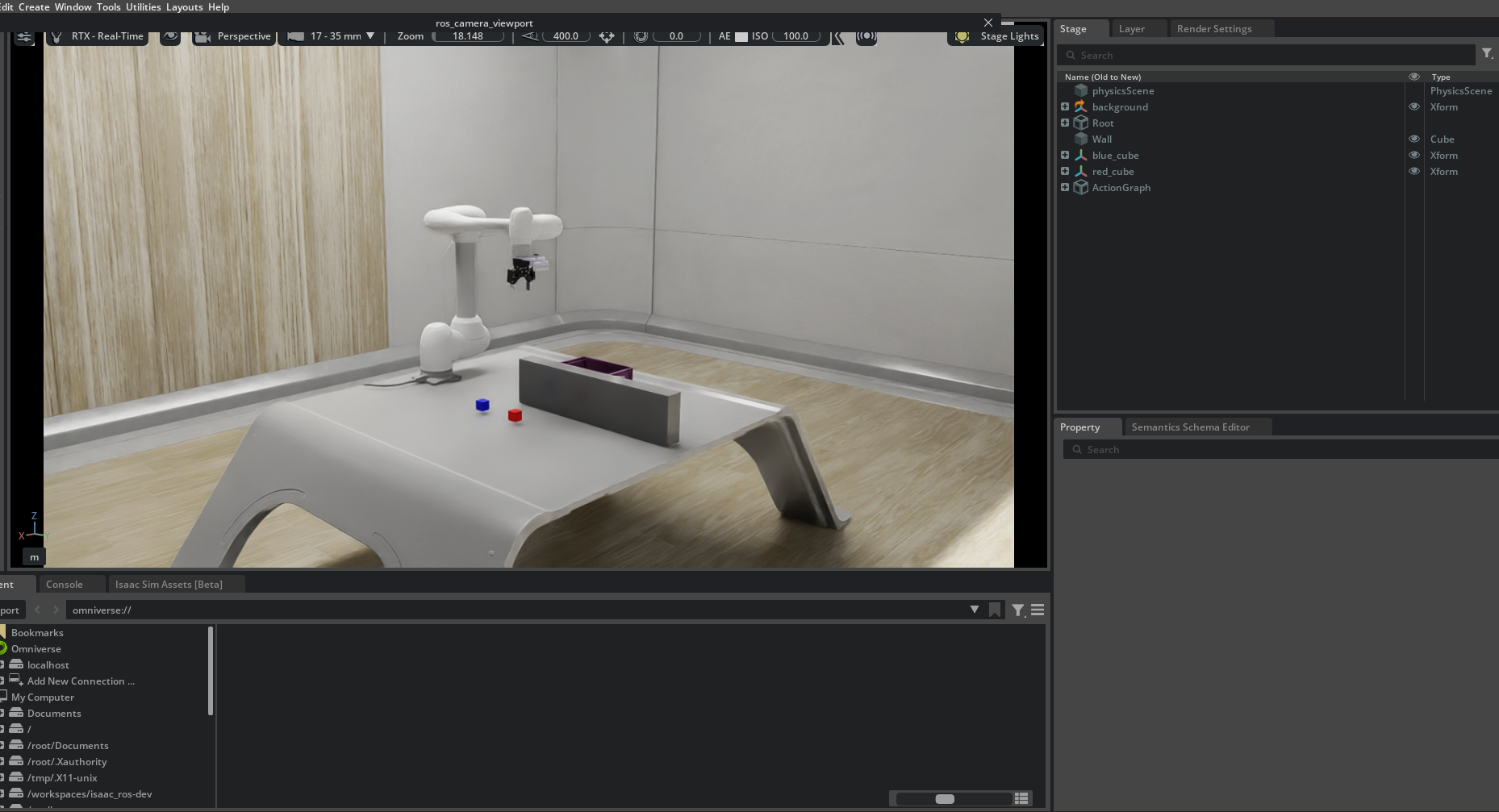
Once launched, Isaac Sim will open with the Doosan robot model loaded.
USD Model Description
The Doosan Isaac Sim package includes USD files for the Doosan M1013 robot model. Each USD file represents a different sensor and gripper configuration.
m1013.usd Base Doosan M1013 robot model without additional sensors or grippers.
m1013_d435i.usd M1013 robot model equipped with an Intel RealSense D435i camera.
m1013_gripper.usd M1013 robot model equipped with a Robotiq 2F-85 gripper and D435i camera.
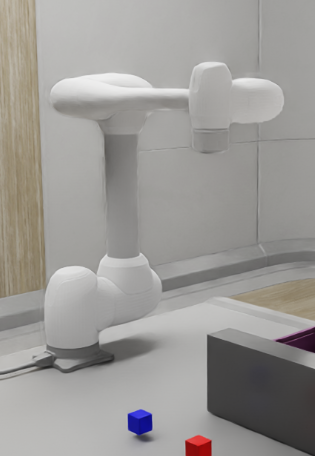
No Gripper |
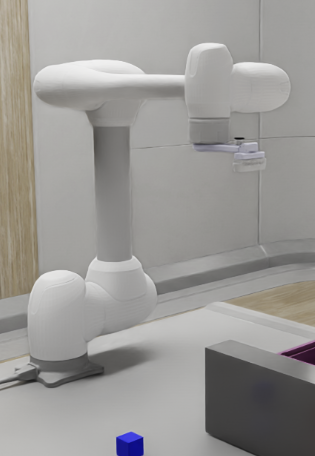
D435i Camera |
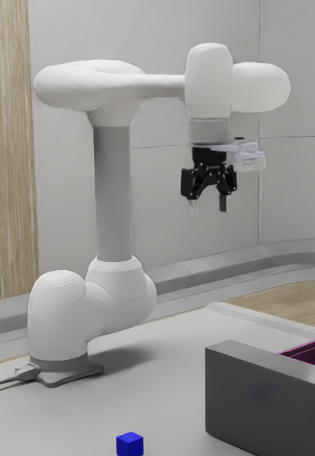
Robotiq 2F-85 + D435i |