Launch with MuJoCo
Overview
This package enables controlling Doosan robots in the MuJoCo physics simulator using ROS 2. You can simulate various robot models in custom environments and interact with them using ROS 2 interfaces.
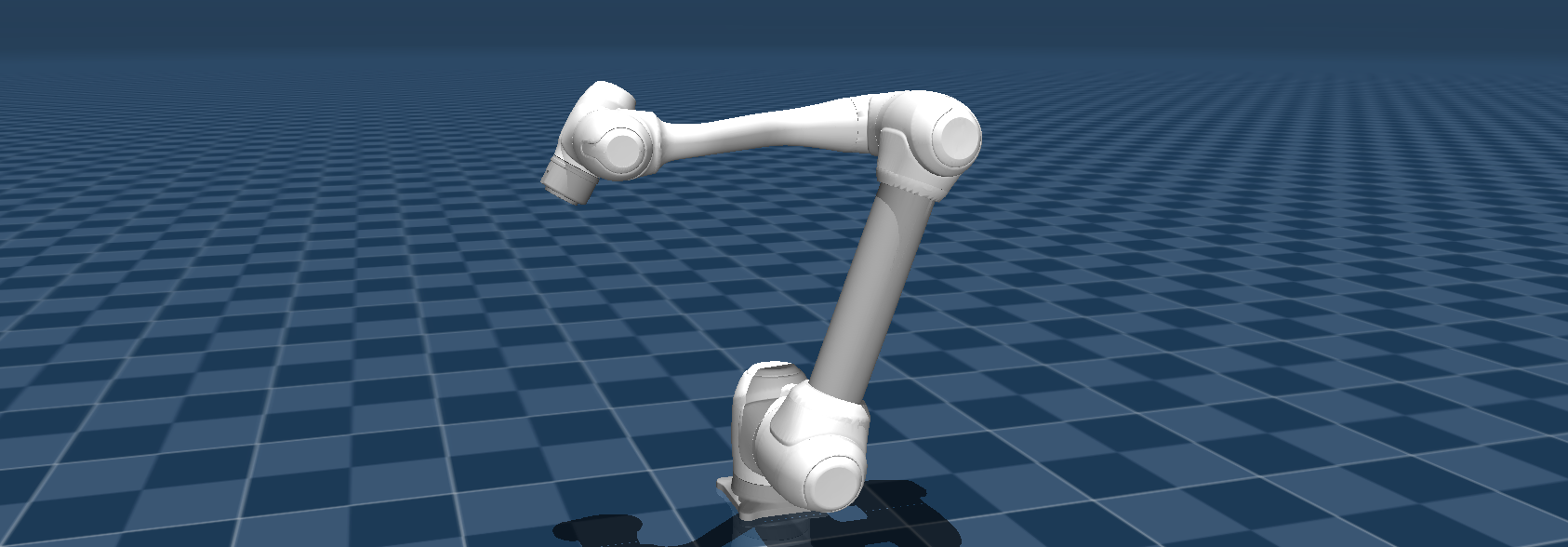
Supported Models:
H-SERIES: h2515 (blue), h2017 (blue)
M-SERIES: m1013 (white), m0609 (white), m1509 (white), m0617 (white)
A-SERIES: a0509 (blue), a0912 (blue)
E-SERIES: e0509 (white)
Prerequisites
Install the MuJoCo ROS 2 control plugin. It installs MuJoCo through mujoco_vendor, so no separate MuJoCo download or MUJOCO_DIR setting is needed.
sudo apt update
sudo apt install ros-jazzy-mujoco-ros2-control
Alternatively, install it with the other workspace dependencies through rosdep:
cd ~/ros2_ws
rosdep install --from-paths src --ignore-src -y
dsr_bringup2_mujoco.launch.py includes the launch file of dsr_mujoco, so build dsr_mujoco in your workspace as well.
Command
ros2 launch dsr_bringup2 dsr_bringup2_mujoco.launch.py [arguments]
Arguments
model: Name of the Doosan robot model. (Default:m1013)gui: Launch RViz2 GUI. (true/false, Default:true)gripper: Gripper model to attach, for example2f85. (Default:none)scene_path: Path to a MuJoCo XML scene file, relative todsr_description2/mujoco_models/, for exampledemo/slope_demo_scene.xml. (Default:none)headless: Run MuJoCo without the viewer window. (true/false, Default:false)mj: Start the MuJoCo simulation. Withfalseonly the Doosan robot side starts. (true/false, Default:true)
Example
Launch a Robot in a Blank Scene
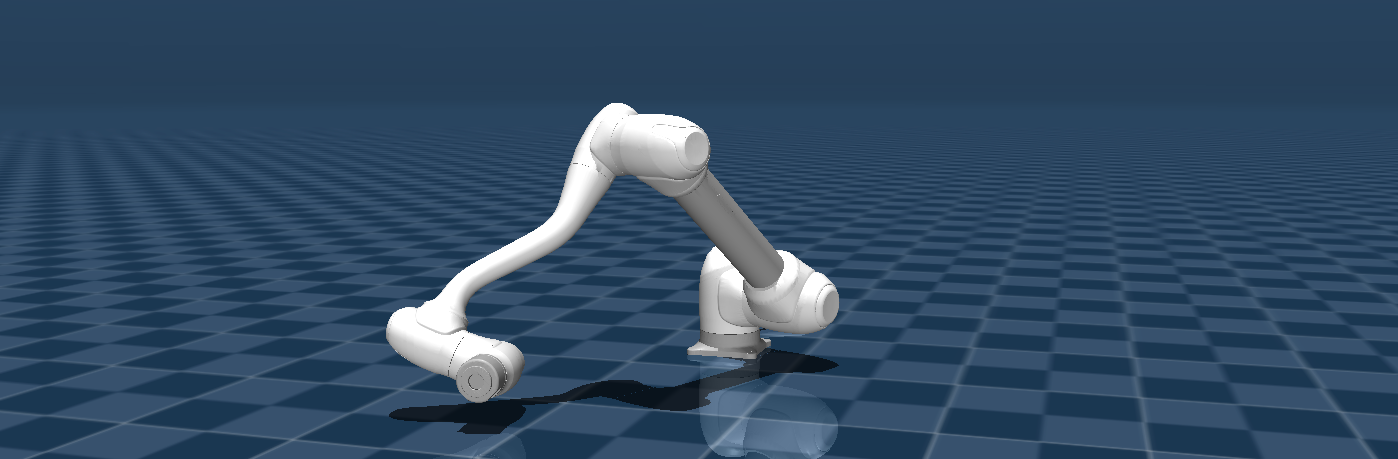
This command launches the m1013 robot in an empty MuJoCo environment. (every settings in default)
ros2 launch dsr_bringup2 dsr_bringup2_mujoco.launch.py
In a new terminal you can run command to move the robot.
ros2 run dsr_example dance
Pick & Place Demo
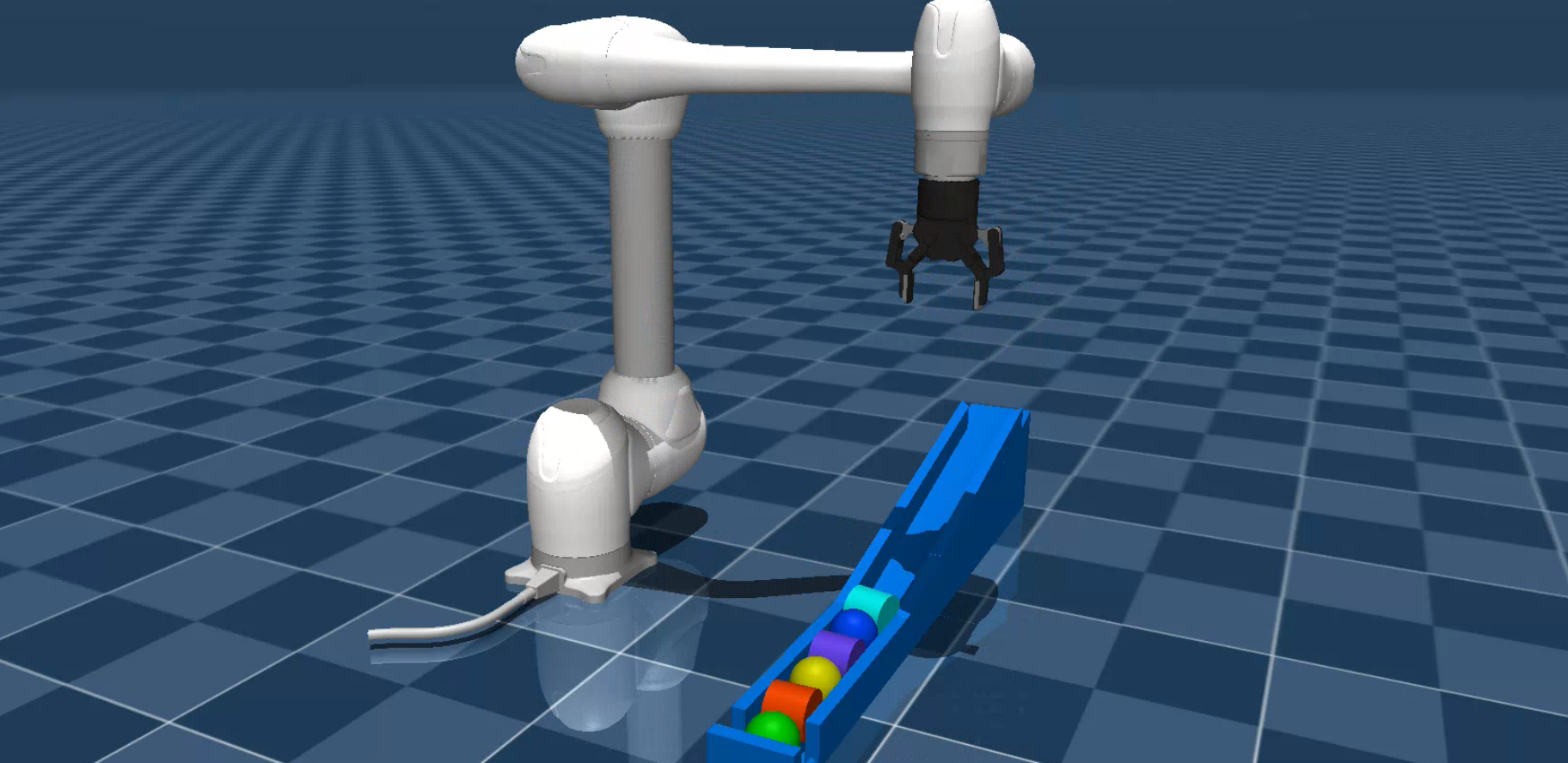
This example launches the m1013 robot with a gripper in a pre-configured scene and runs a pick-and-place demonstration.
Launch m1013 with gripper in the demo scene:
ros2 launch dsr_bringup2 dsr_bringup2_mujoco.launch.py model:=m1013 gripper:=2f85 scene_path:=demo/slope_demo_scene.xml
In a new terminal, run the Pick & Place script:
ros2 run dsr_example slope_demo
Customizing the MuJoCo Environment
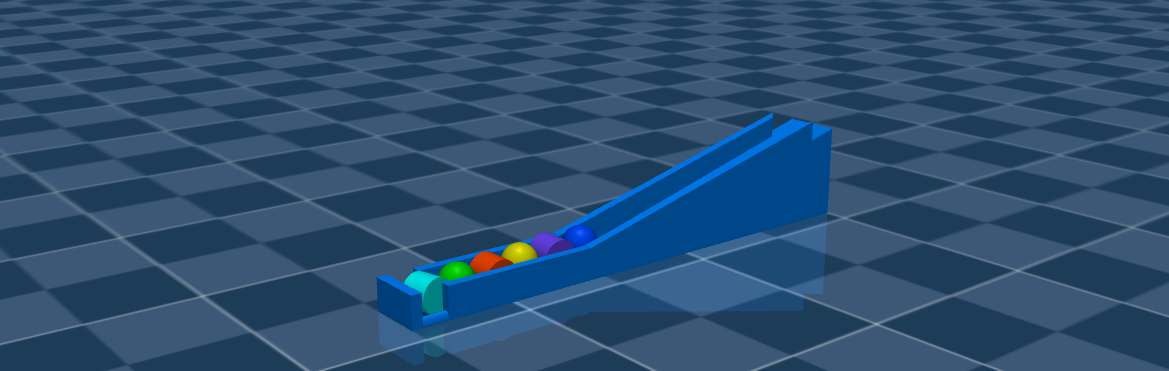
You can create custom simulation environments by editing or creating new MuJoCo scene (.xml) files.
Scene files are located in dsr_description2/mujoco_models/.
In these files, you can add or modify elements such as floor, lighting, and objects.
Key MuJoCo XML tags for customization include:
<Compiler>: Defines global simulation settings such as calculation methods. The
meshdirattribute is critical for locating model asset files.
<compiler angle="radian" meshdir="../" />
Note
For the robot model to load successfully, meshdir must point to the mujoco_models directory.
<Option>: Fine-tunes physics properties like contact models and integrators, which is important for stable grasping.
<option cone="elliptic" impratio="200" integrator="implicitfast"/>
For detailed guidance on creating scenes, refer to the official MuJoCo XML documentation.
Gripper Operation
Unlike the main DSR manipulators, grippers should use individual ROS 2 controllers.
2F85 Gripper Example
The 2F85 gripper uses the forward_command_controller/ForwardCommandController, which is a standard ROS 2 controller.
This controller manages the left_driver_joint of the gripper by /{ns}/mj/left_knuckle_position_controller/commands topics.
You can find an example of its usage in the dsr_example2/dsr_example/dsr_example/demo/slope_demo.py script.
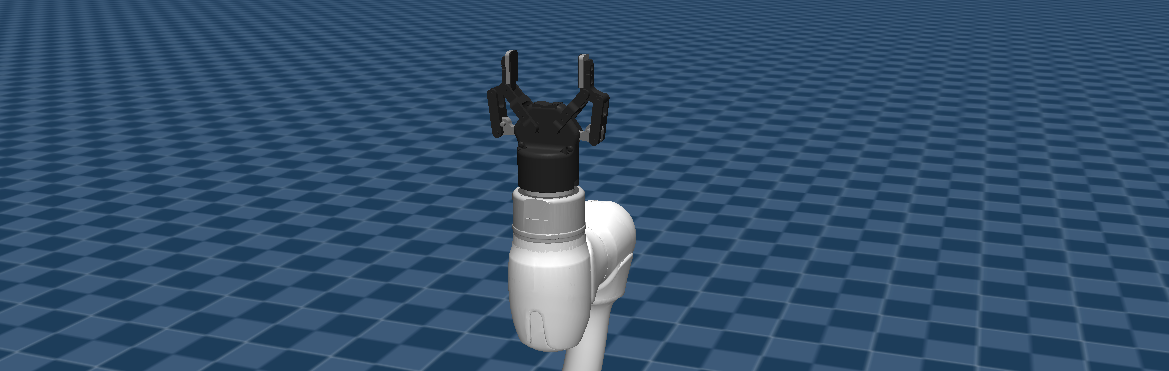
To control the gripper from the terminal, publish a Float64MultiArray message to the /dsr01/mj/left_knuckle_position_controller/commands topic.
Open Gripper:
ros2 topic pub /dsr01/mj/left_knuckle_position_controller/commands std_msgs/msg/Float64MultiArray "{data: [0.0]}"
Close Gripper:
ros2 topic pub /dsr01/mj/left_knuckle_position_controller/commands std_msgs/msg/Float64MultiArray "{data: [0.8]}"