RViz2 Launch
This launch file starts RViz2 for visualizing the robot model and its state.
Manipulator Launch
Command
ros2 launch dsr_bringup2 dsr_bringup2_rviz.launch.py [arguments]
Arguments
mode: Robot operation mode. Choose between:real: Connect to physical Doosan robot.virtual: Run in simulator/emulator mode.
model: Robot model name (e.g.,m1013,a0509, etc.)host: IP address of the robot controller (real mode) or emulator (virtual mode)
Examples
Launch
To ensure proper launch and connection, the mode and host arguments should be configured accordingly.
Using a real robot:
Establish an Ethernet connection with your PC.
Verify the IP address on the robot controller and ensure it matches the connection settings.
ros2 launch dsr_bringup2 dsr_bringup2_rviz.launch.py mode:=real host:=192.168.137.100 model:=m1013
Using a virtual robot:
Virtual IP address will always be
127.0.0.1.ros2 launch dsr_bringup2 dsr_bringup2_rviz.launch.py mode:=virtual host:=127.0.0.1 model:=m1013
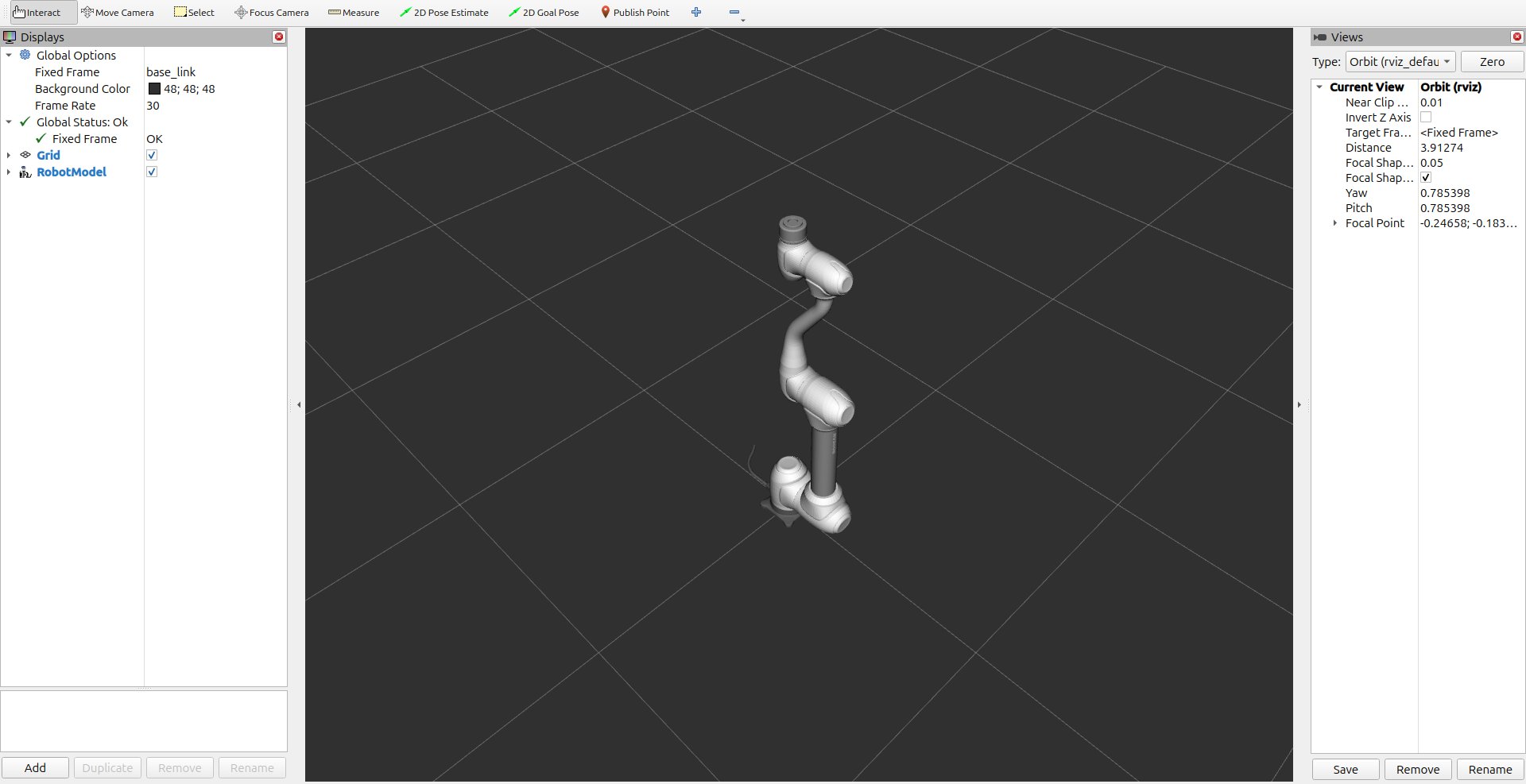
Launch with different model and configurations:
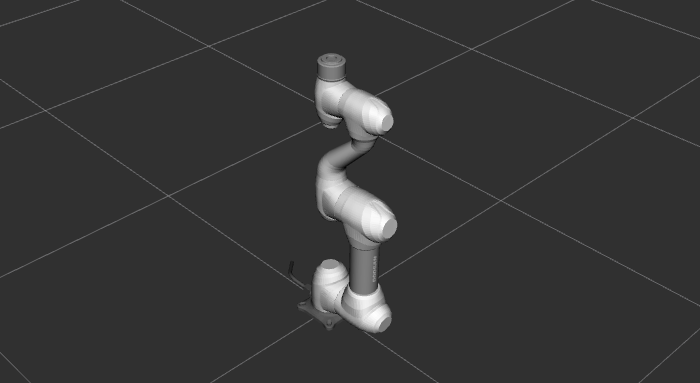
ros2 launch dsr_bringup2 dsr_bringup2_rviz.launch.py mode:=virtual host:=127.0.0.1 model:=m0609
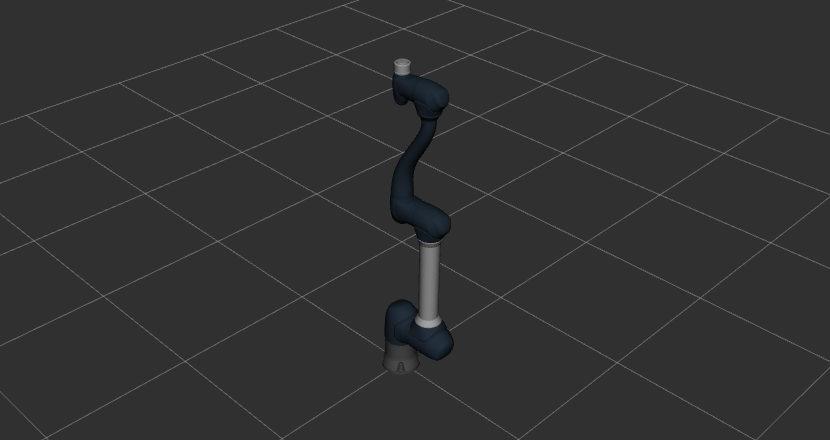
ros2 launch dsr_bringup2 dsr_bringup2_rviz.launch.py mode:=virtual host:=127.0.0.1 model:=h2017 color:=blue
Note
You can check the available robot models in the
dsr_description2package.
Example Move
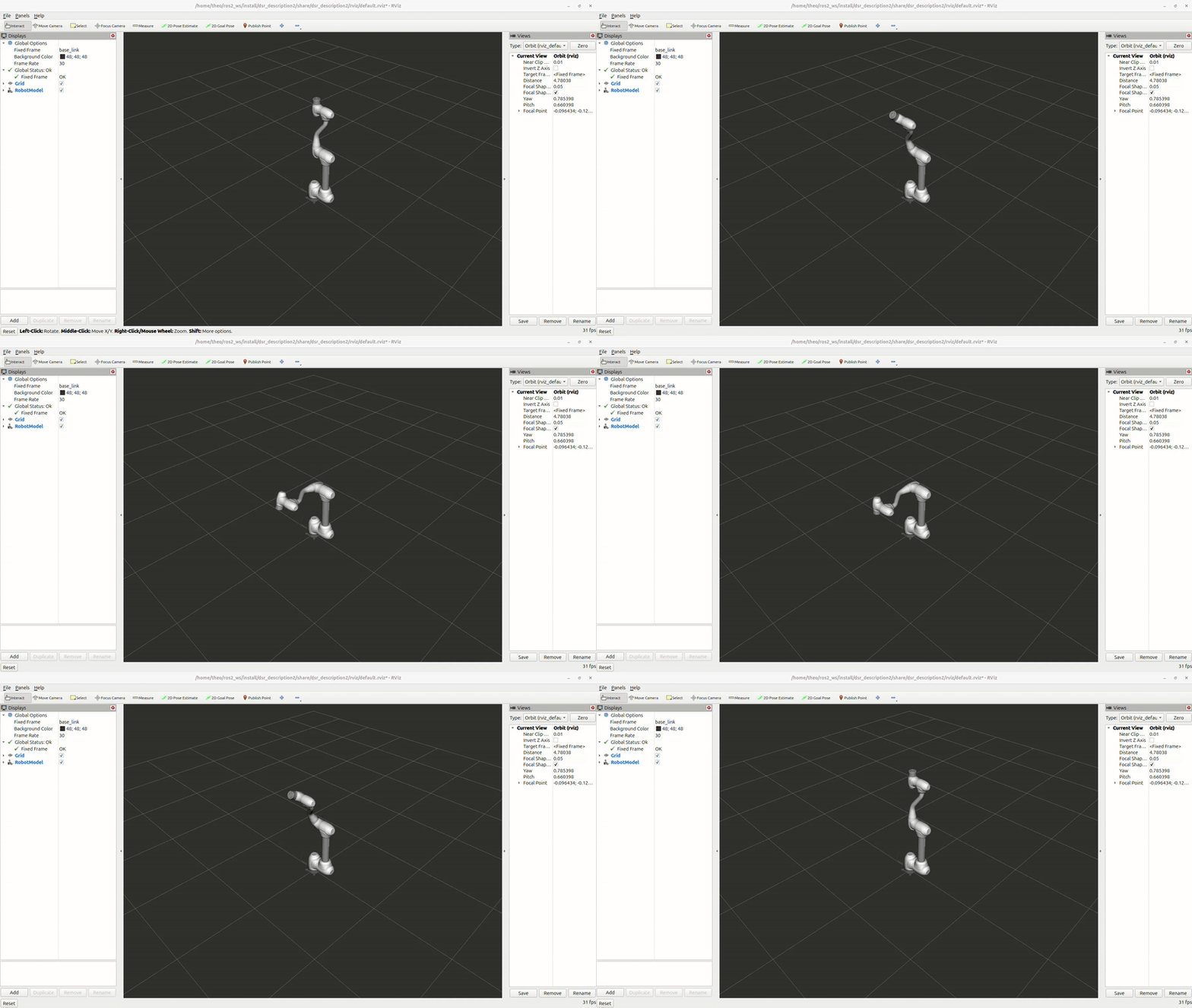
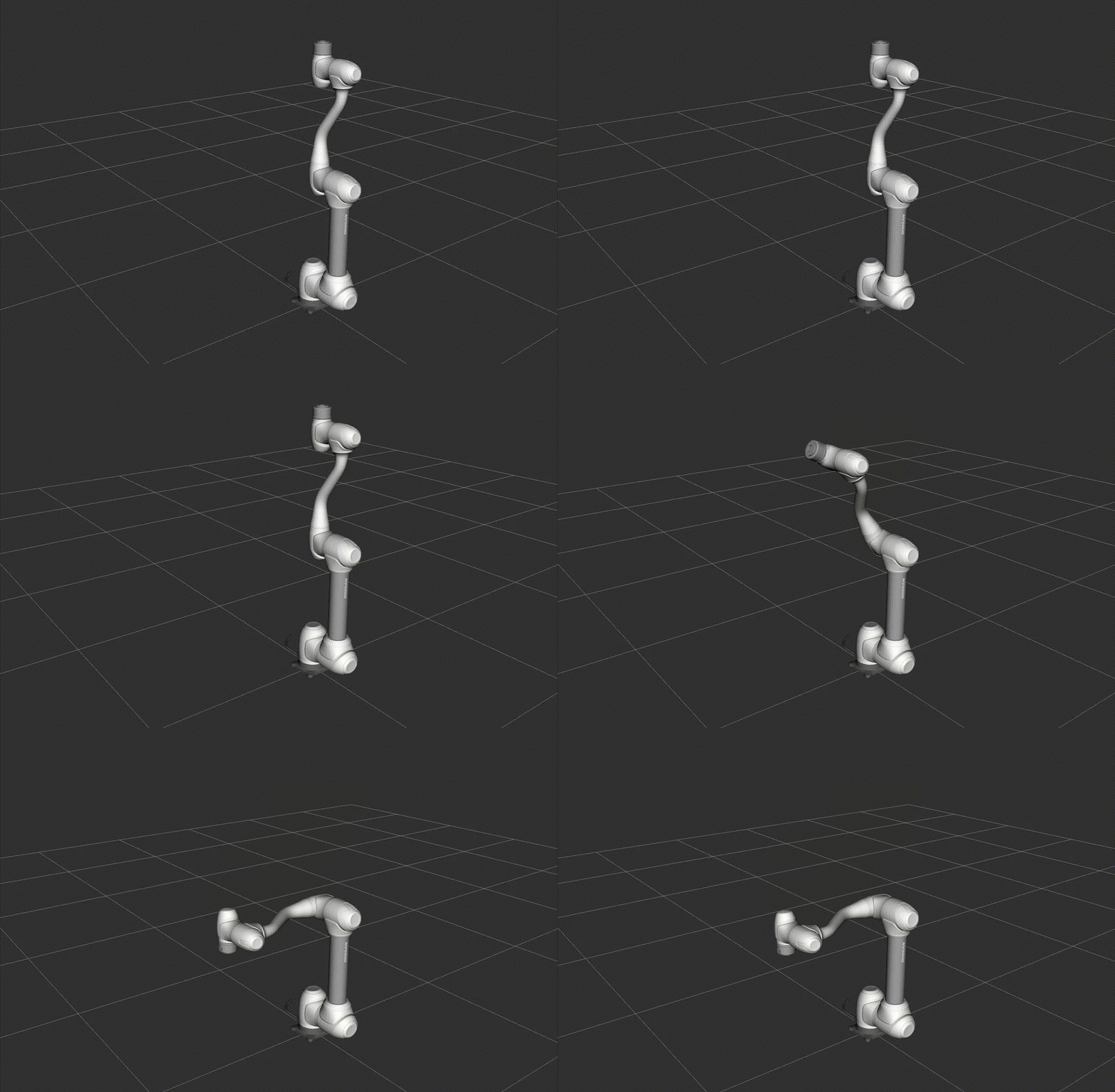
Once RViz2 is running, you can test the setup by executing a simple motion script.
Open a new terminal and run the following command:
ros2 run dsr_example single_robot_simple
Note
Example scripts are available in dsr_example2 package.
Or you can directly move the robot by calling a service or topic :
ros2 service call /dsr01/motion/move_joint dsr_msgs2/srv/MoveJoint "{
     pos: [0.0, 0.0, 90.0, 0.0, 90.0, 0.0],
     vel: 100.0,
     acc: 100.0,
     time: 2.0,
     mode: 0,
     radius: 0.0,
     blend_type: 0,
     sync_type: 0
     }"
R100 Mobile Manipulator Launch
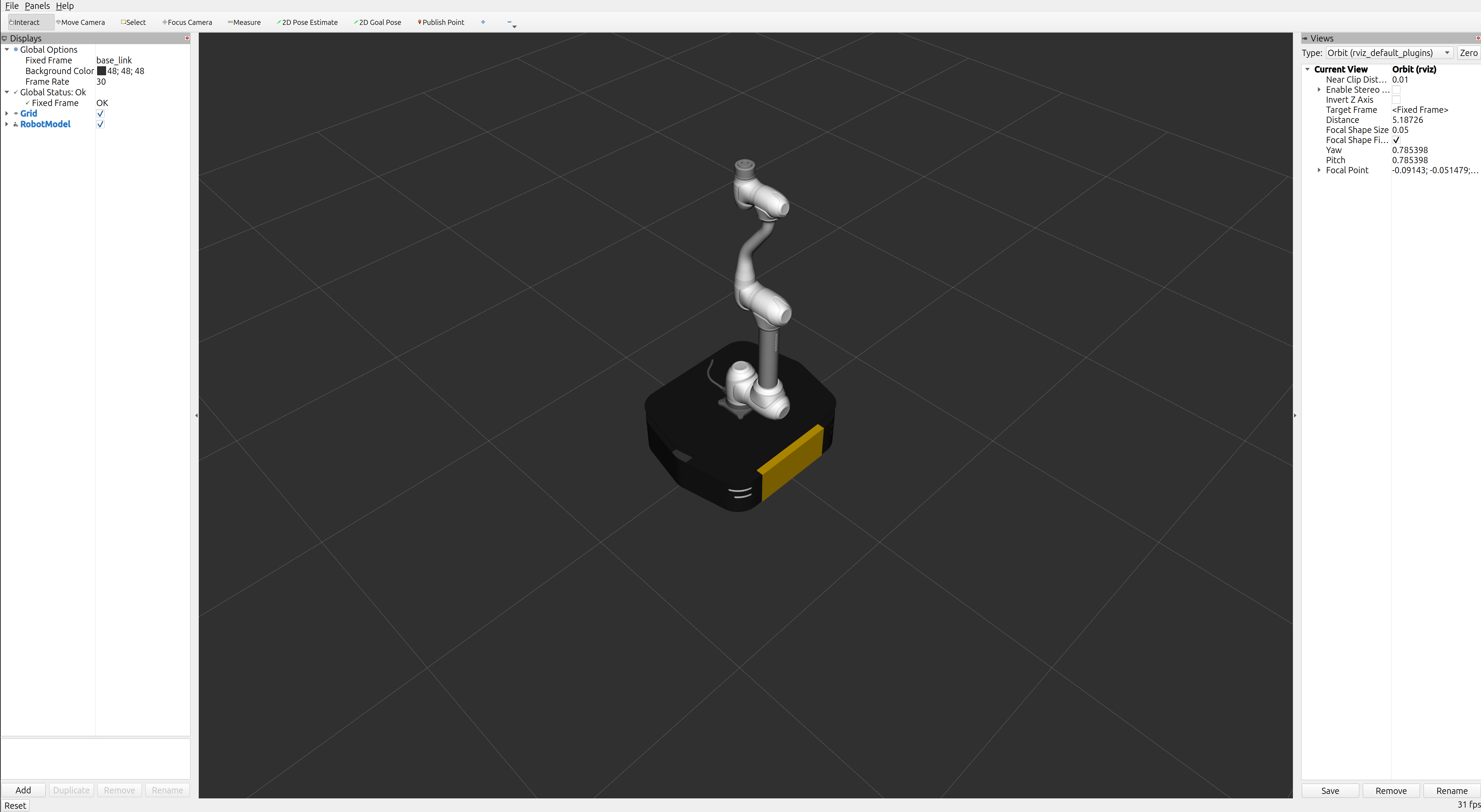
This launch file starts RViz2 for R100 (Ridgeback) mobile manipulator variants (single-arm and dual-arm), allowing you to visualize the robot model and current state.
For motion planning and execution, use the MoveIt2 launch in the next section.
Single Arm + Mobile (RViz2)
ros2 launch dsr_bringup2 dsr_mobile_manipulator_rviz.launch.py mode:=virtual model:=r100_m1013 host:=127.0.0.1
Note
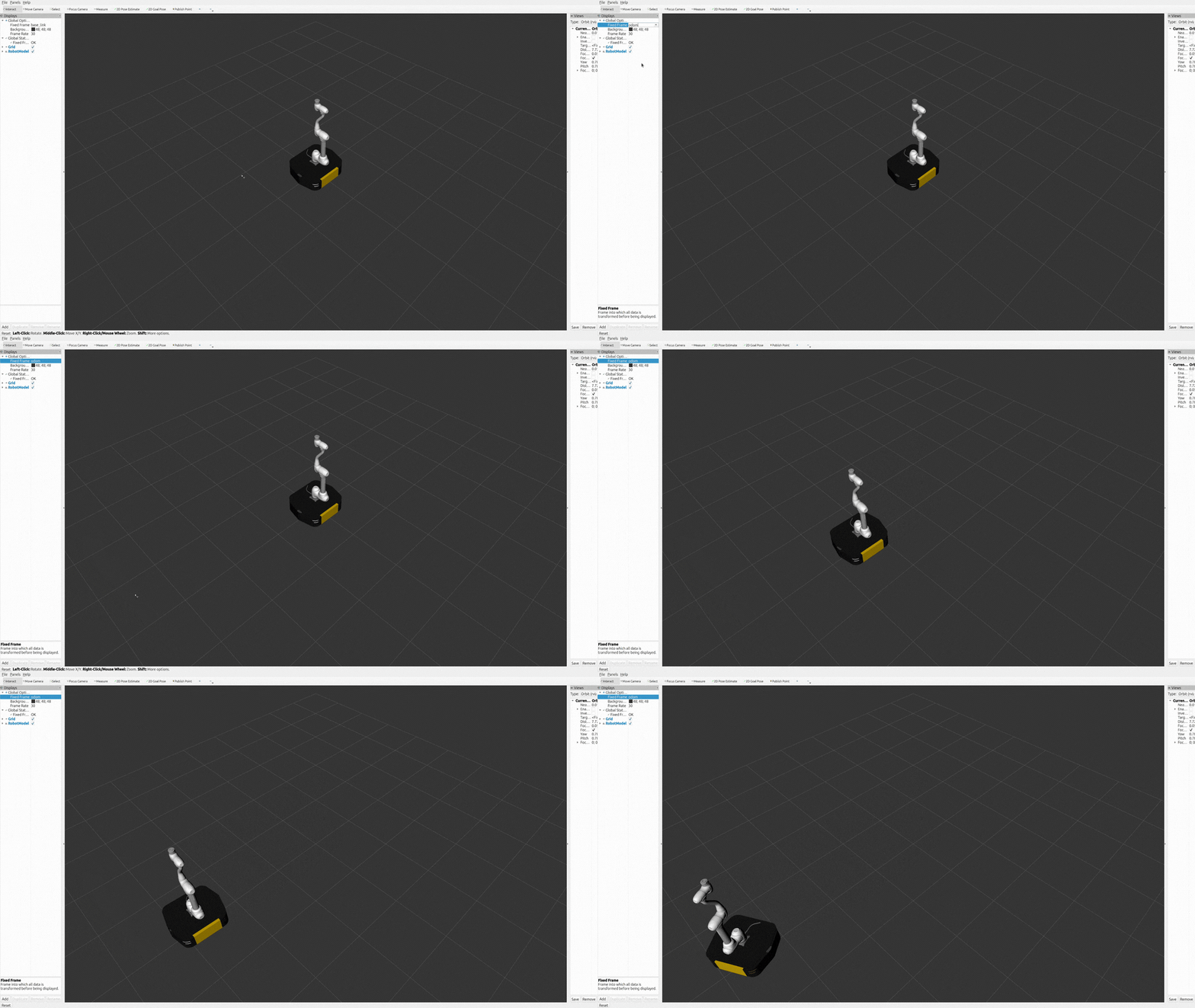
Nav2 is enabled by default in this launch file (use_nav2:=true).
To disable navigation, set use_nav2:=false at launch.
To change the default behavior, update use_nav2 in dsr_mobile_manipulator_rviz.launch.py.
For navigation visualization in RViz2, set the Fixed Frame to odom.
Or you can directly test arm motion in RViz2-only mode by checking controller status and sending a trajectory action goal:
ros2 control list_controllers -c /r100_m1013/controller_manager
Example output:
dsr_moveit_controller   joint_trajectory_controller/JointTrajectoryController  active
dsr_controller2         dsr_controller2/RobotController                        active
diff_drive_controller   diff_drive_controller/DiffDriveController              active
joint_state_broadcaster joint_state_broadcaster/JointStateBroadcaster          active
Make sure dsr_moveit_controller is in active state, then you can send a trajectory action goal to move the arm:
# Reference: 90 deg = 1.5708 rad.

ros2 action send_goal -t 20 \
/r100_m1013/dsr_moveit_controller/follow_joint_trajectory \
control_msgs/action/FollowJointTrajectory \
"{trajectory: {joint_names:
[arm_joint_1,arm_joint_2,arm_joint_3,arm_joint_4,arm_joint_5,arm_joint_6],
points: [{positions: [1.5708,0.0,1.5708,0.0,1.5708,0.0], time_from_start:
{sec: 3, nanosec: 0}}]}}"
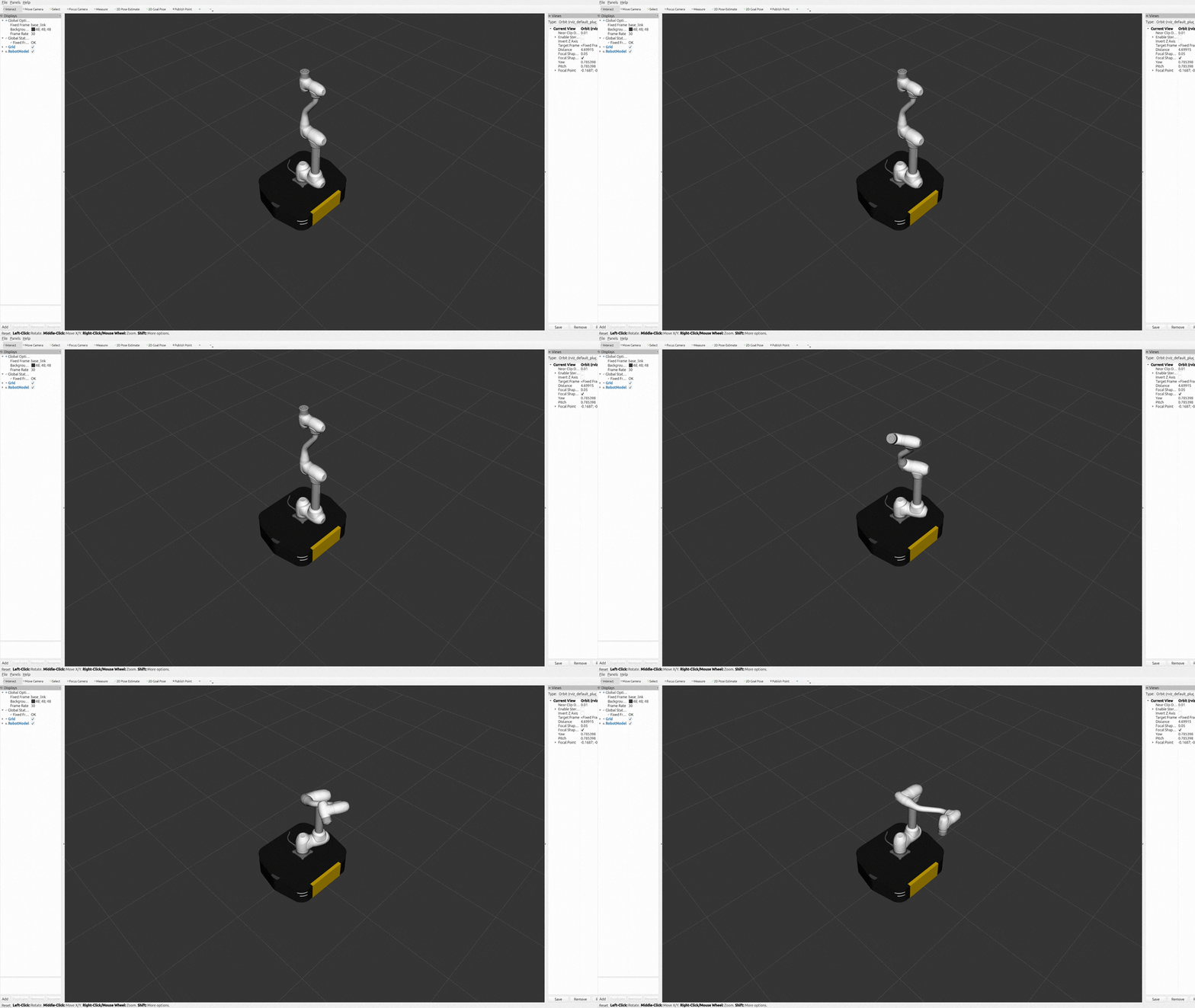
You can verify the updated joint values with the following command:
ros2 topic echo /r100_m1013/joint_states --once
Launch with different model and configurations:
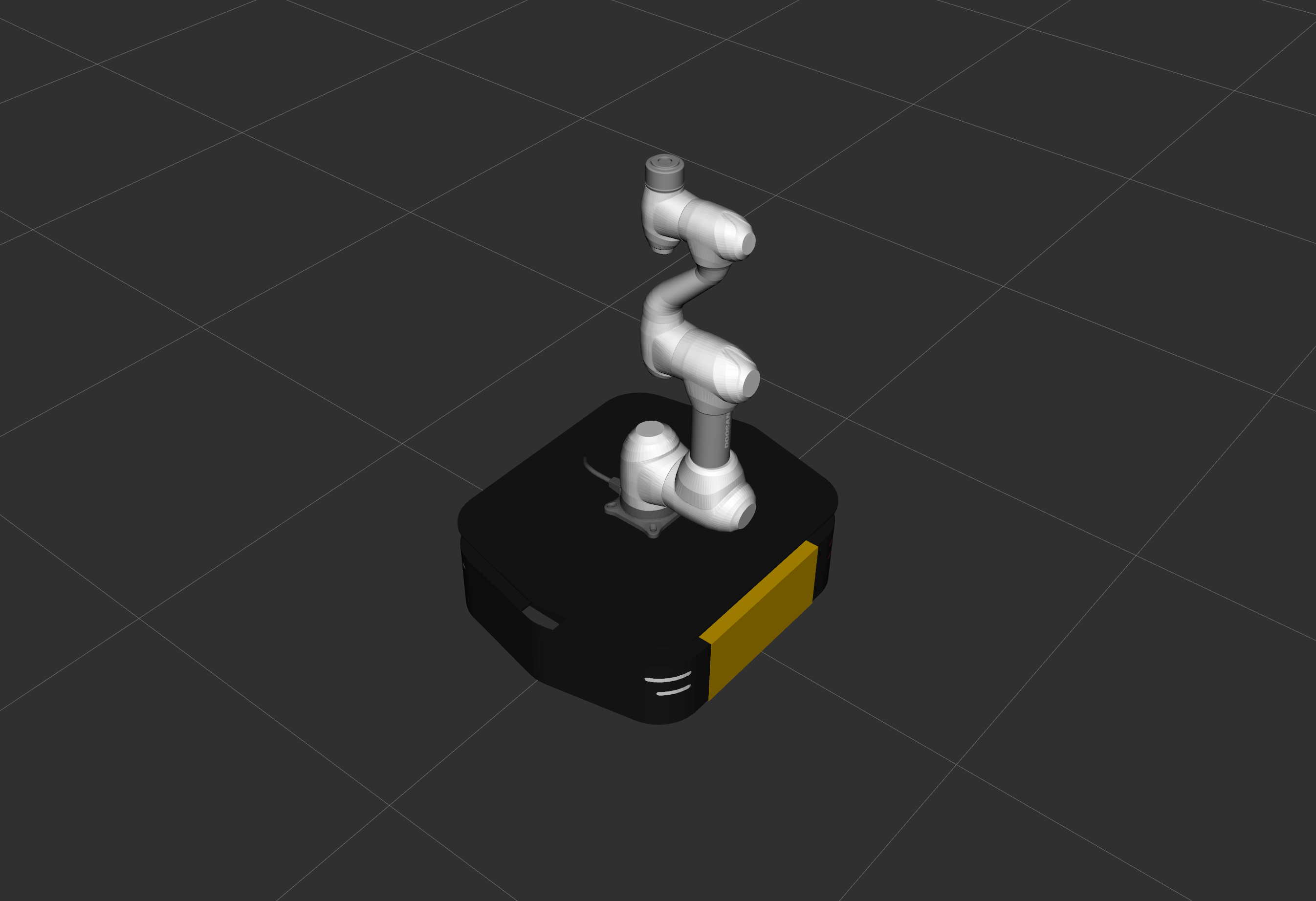
ros2 launch dsr_bringup2 dsr_mobile_manipulator_rviz.launch.py mode:=virtual model:=r100_m1509 host:=127.0.0.1
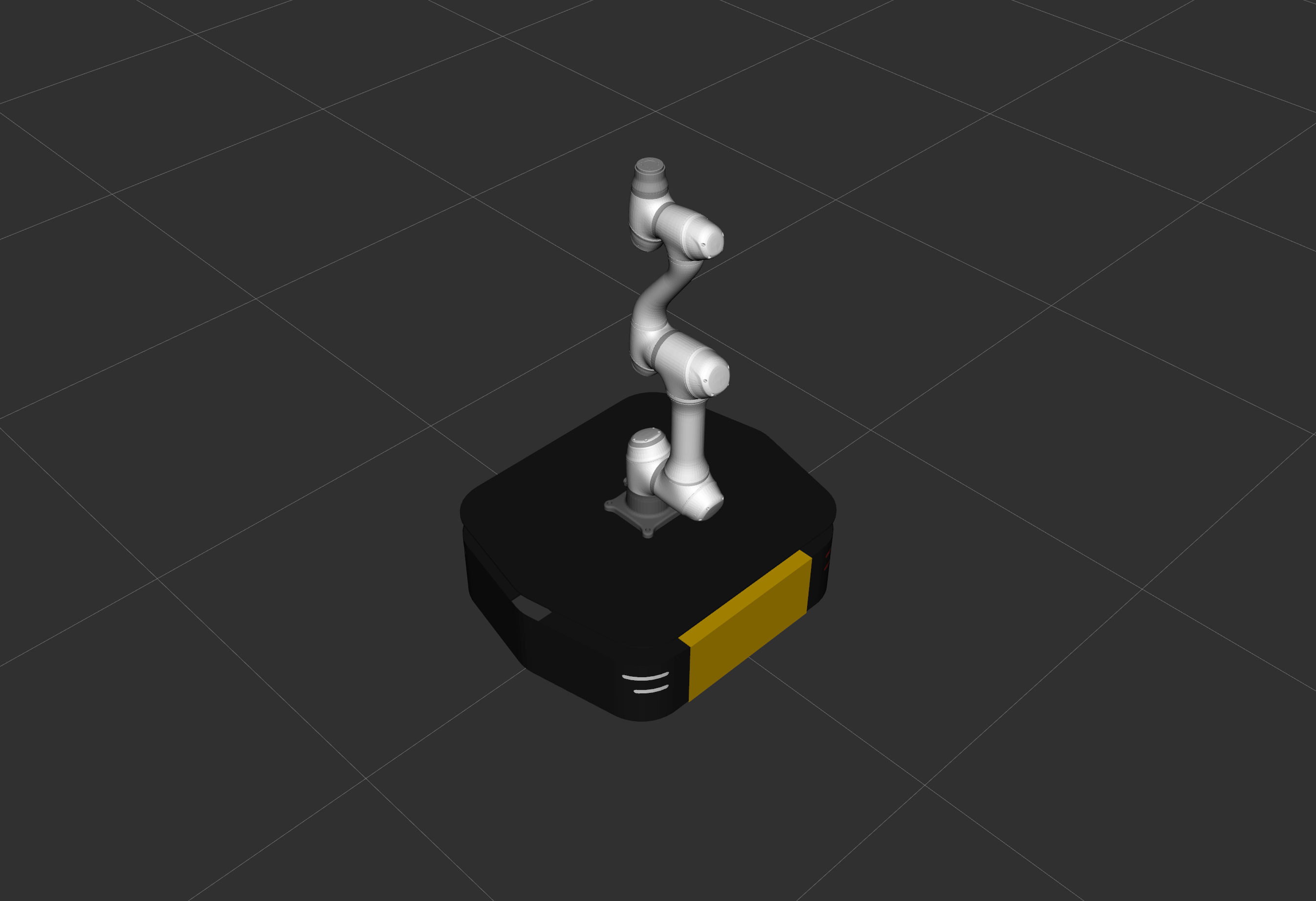
ros2 launch dsr_bringup2 dsr_mobile_manipulator_rviz.launch.py mode:=virtual model:=r100_a0509 host:=127.0.0.1
Note
Currently supported manipulator models are
m1013,m1509, anda0509. Support for additional models will be added in future updates.At this time, this workflow is supported only in virtual mode. Real mode support will be added in a future release.
Dual Arm + Mobile (RViz2)
ros2 launch dsr_bringup2 dsr_mobile_manipulator_dual_rviz.launch.py mode:=virtual model:=r100_m1013_dual host:=127.0.0.1
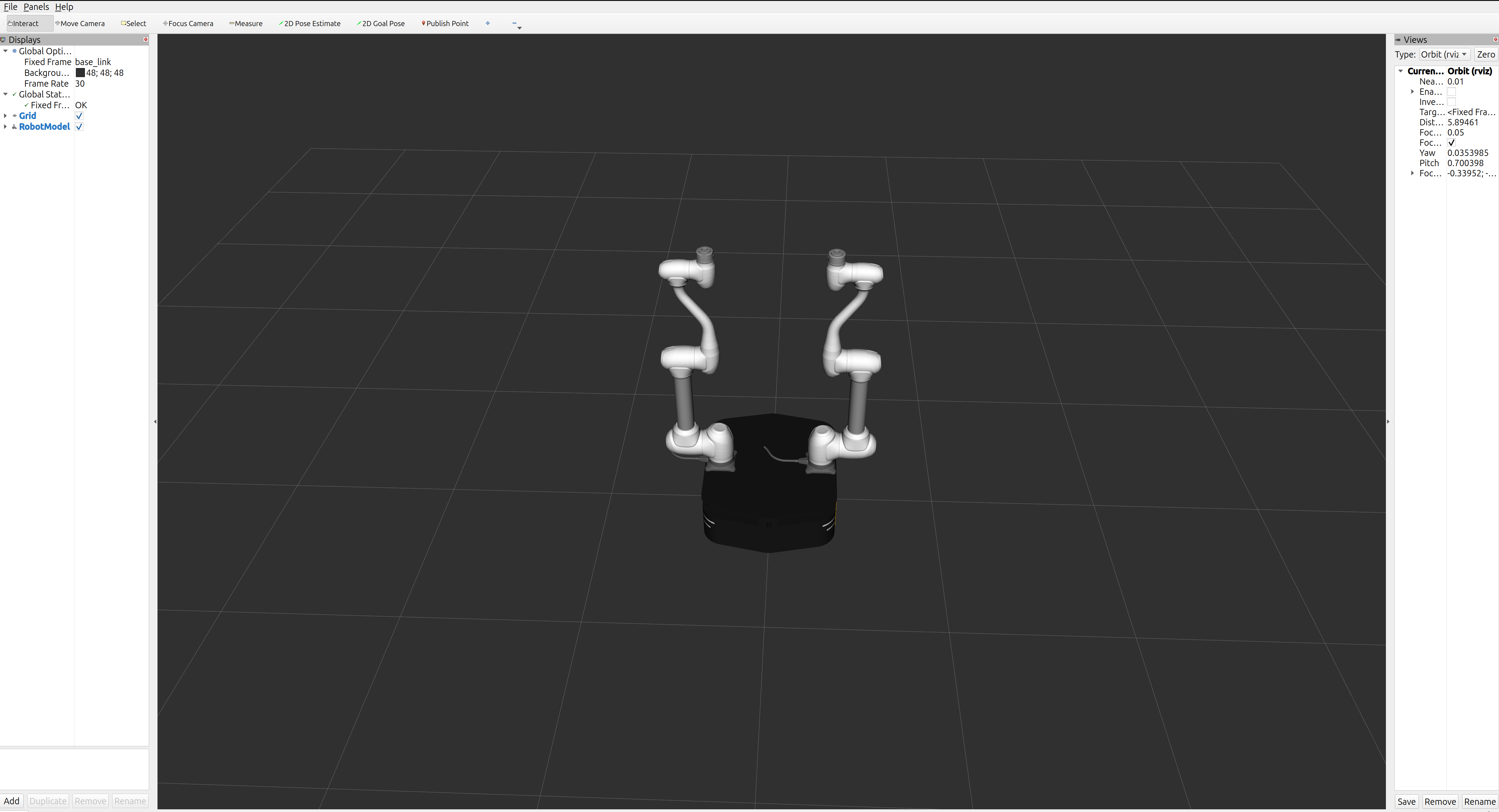
Note
Nav2 is enabled by default in this launch file (use_nav2:=true).
To disable navigation, set use_nav2:=false at launch.
To change the default behavior, update use_nav2 in dsr_mobile_manipulator_dual_rviz.launch.py.
For navigation visualization in RViz2, set the Fixed Frame to odom.
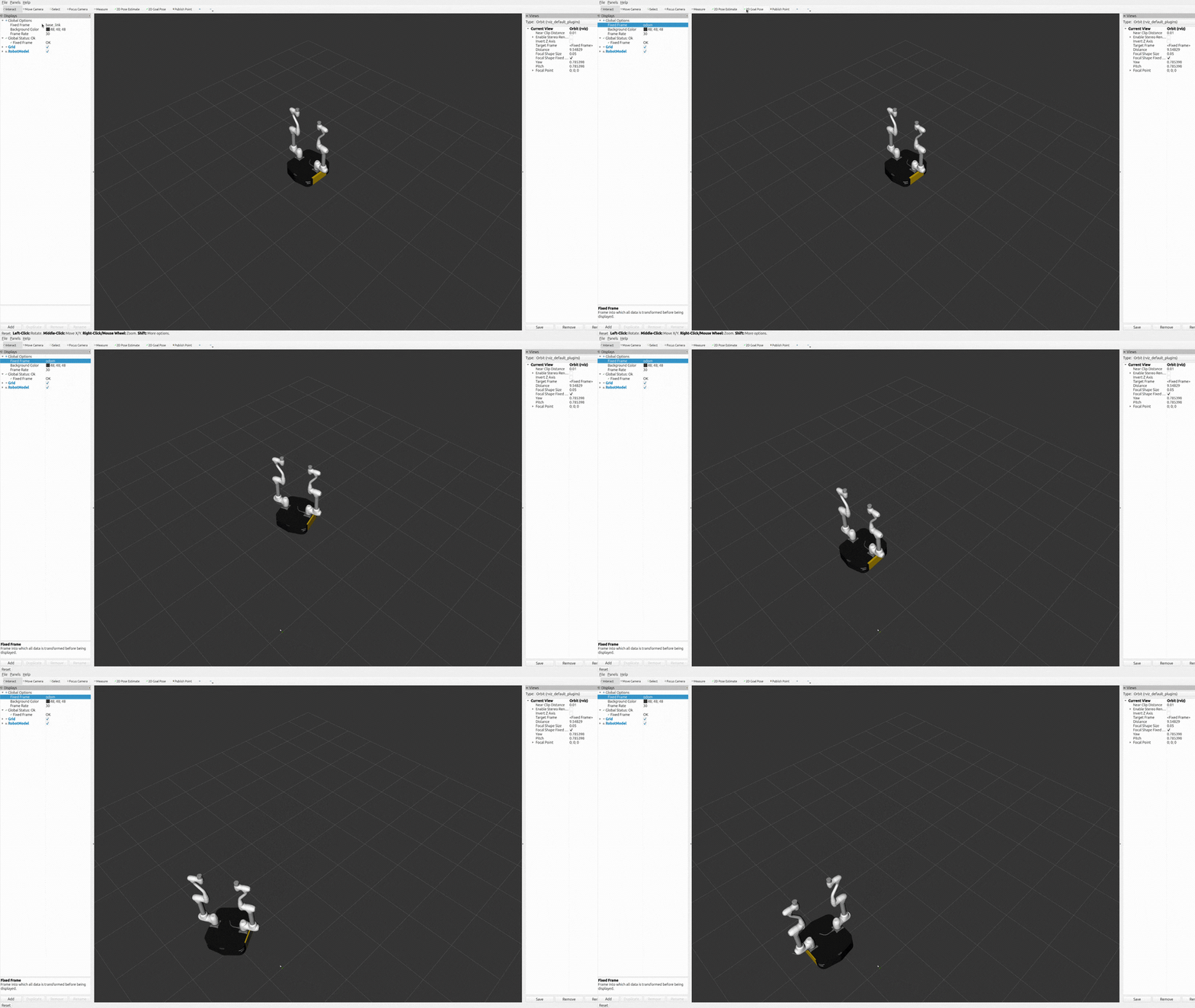
You can also directly test dual-arm motion in RViz2-only mode by checking controller status and sending a trajectory action goal:
ros2 control list_controllers -c /r100_m1013_dual/controller_manager
Example output:
dual_dsr_moveit_controller   joint_trajectory_controller/JointTrajectoryController  active
dsr_controller2              dsr_controller2/RobotController                        active
diff_drive_controller        diff_drive_controller/DiffDriveController              active
joint_state_broadcaster      joint_state_broadcaster/JointStateBroadcaster          active
Make sure dual_dsr_moveit_controller is in active state, then run:
# Reference: 90 deg = 1.5708 rad, -90 deg = -1.5708 rad.

ros2 action send_goal -t 20 \
/r100_m1013_dual/dual_dsr_moveit_controller/follow_joint_trajectory \
control_msgs/action/FollowJointTrajectory \
"{trajectory: {joint_names:
[left_joint_1,left_joint_2,left_joint_3,left_joint_4,left_joint_5,left_joint_6
,right_joint_1,right_joint_2,right_joint_3,right_joint_4,right_joint_5,right_joint_6], points: [{positions:
[1.5708,0.0,-1.5708,0.0,-1.5708,0.0,1.5708,0.0,1.5708,0.0,1.5708,0.0],
time_from_start: {sec: 4, nanosec: 0}}]}}"
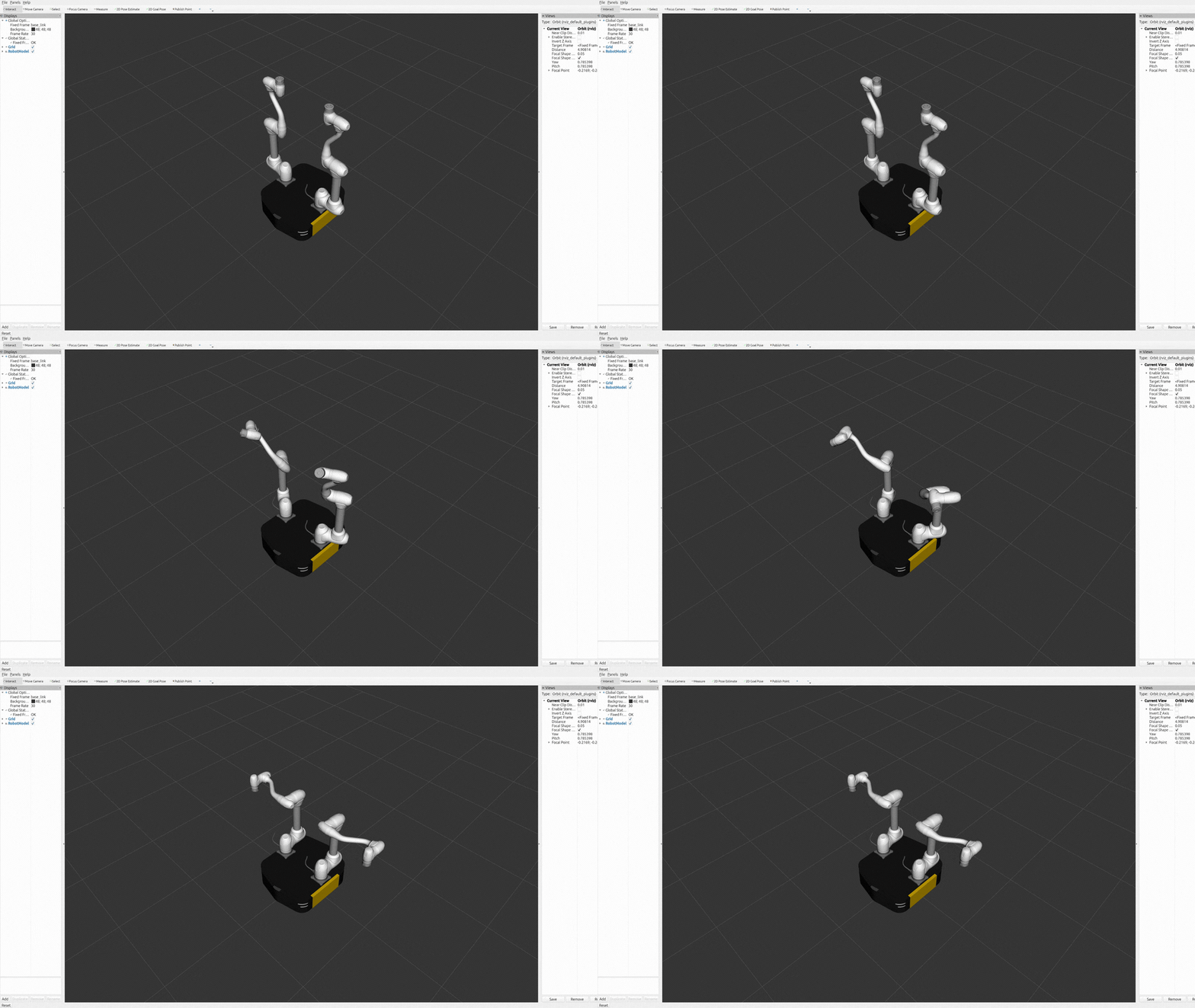
You can verify the updated joint values with:
ros2 topic echo /r100_m1013_dual/joint_states --once
Launch with different model and configurations:
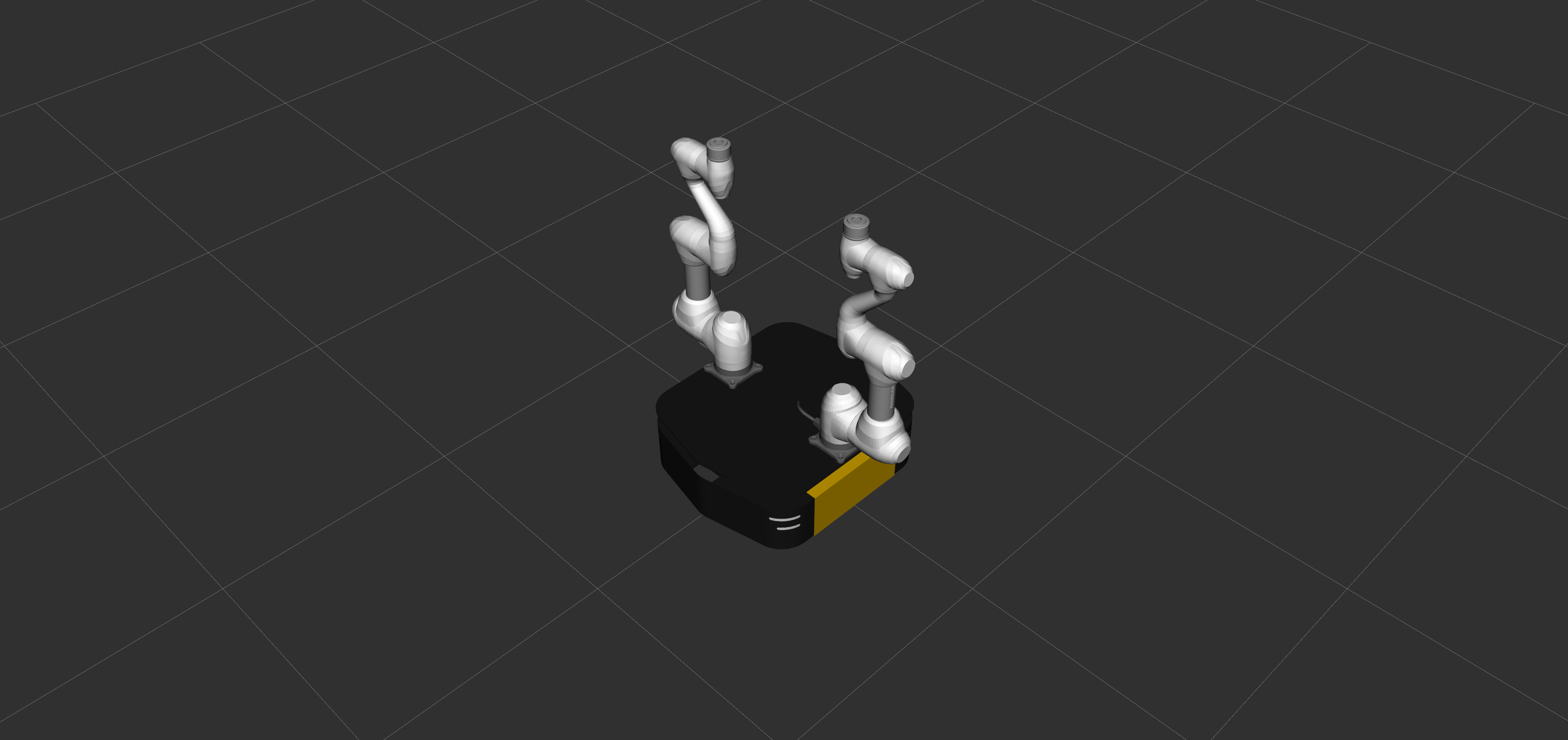
ros2 launch dsr_bringup2 dsr_mobile_manipulator_dual_rviz.launch.py mode:=virtual model:=r100_m1509_dual host:=127.0.0.1
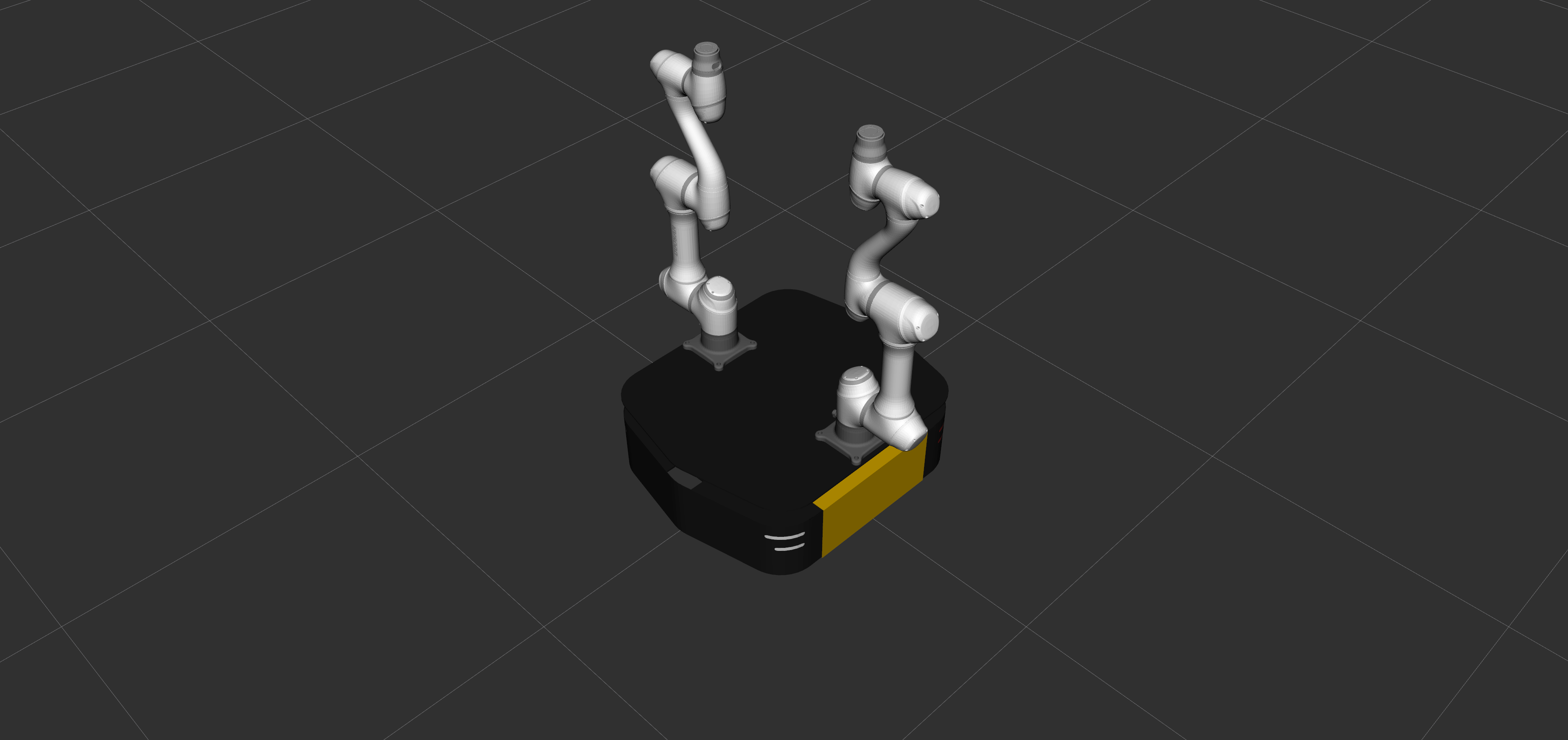
ros2 launch dsr_bringup2 dsr_mobile_manipulator_dual_rviz.launch.py mode:=virtual model:=r100_a0509_dual host:=127.0.0.1
Note
Currently supported manipulator models are
m1013,m1509, anda0509. Support for additional models will be added in future updates.At this time, this workflow is supported only in virtual mode. Real mode support will be added in a future release.