
MoveIt2 Integration
MoveIt 2 provides motion planning, collision checking, and interactive manipulation capabilities for Doosan robots using the ROS 2 control stack.
Note
MoveIt 2 integration requires the following minimum Doosan Controller firmware versions:
Firmware 2.x: Version 2.12 or higher
Firmware 3.x: Version 3.4 or higher
Manipulator Launch
Command
ros2 launch dsr_bringup2 dsr_bringup2_moveit.launch.py [arguments]
Caution
The Gazebo/RViz2 GUI may not appear due to missing X11 permissions (especially when using Docker or a remote session). Run the commands below once per login (and after a reboot) before launching.
xhost + # allow everyone; use only temporarily
These permissions reset after logout or reboot; re-apply as needed.
Arguments
mode: Robot operation mode. Options:real: Connect to a physical Doosan robot.virtual: Run in simulator or emulator mode.
model: Robot model name (e.g.,m1013,a0509)host: IP address of the robot controller (real mode) or emulator (virtual mode)
Examples
Real Mode (Physical Robot)
ros2 launch dsr_bringup2 dsr_bringup2_moveit.launch.py mode:=real model:=m1013 host:=192.168.137.100
Virtual Mode (Simulation)
ros2 launch dsr_bringup2 dsr_bringup2_moveit.launch.py mode:=virtual model:=m1013 host:=127.0.0.1
Launching this command will start:
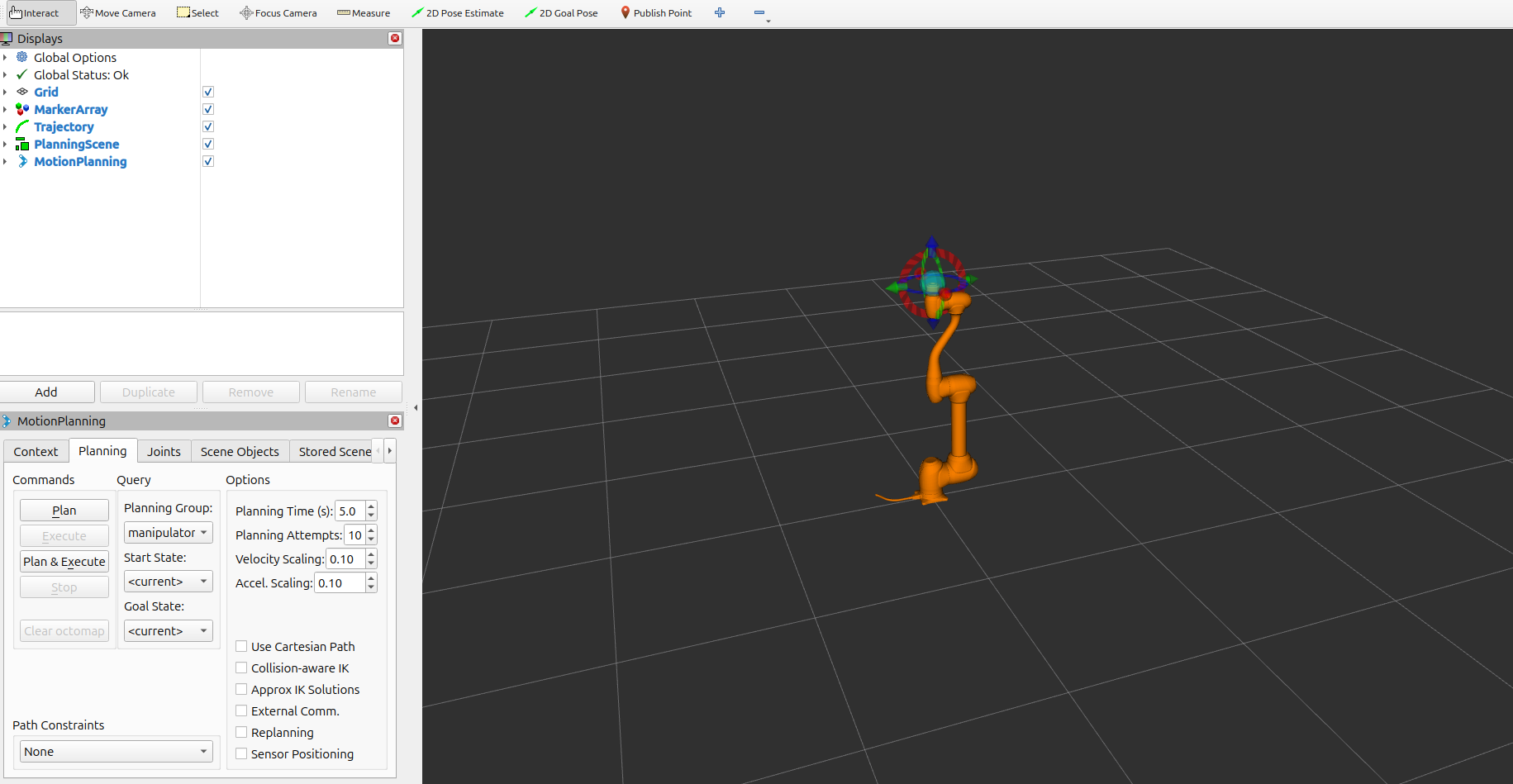
RViz 2 with the robot model and planning scene
Move Group (motion planning backend)
Joint trajectory controller
Robot state publisher and static transforms
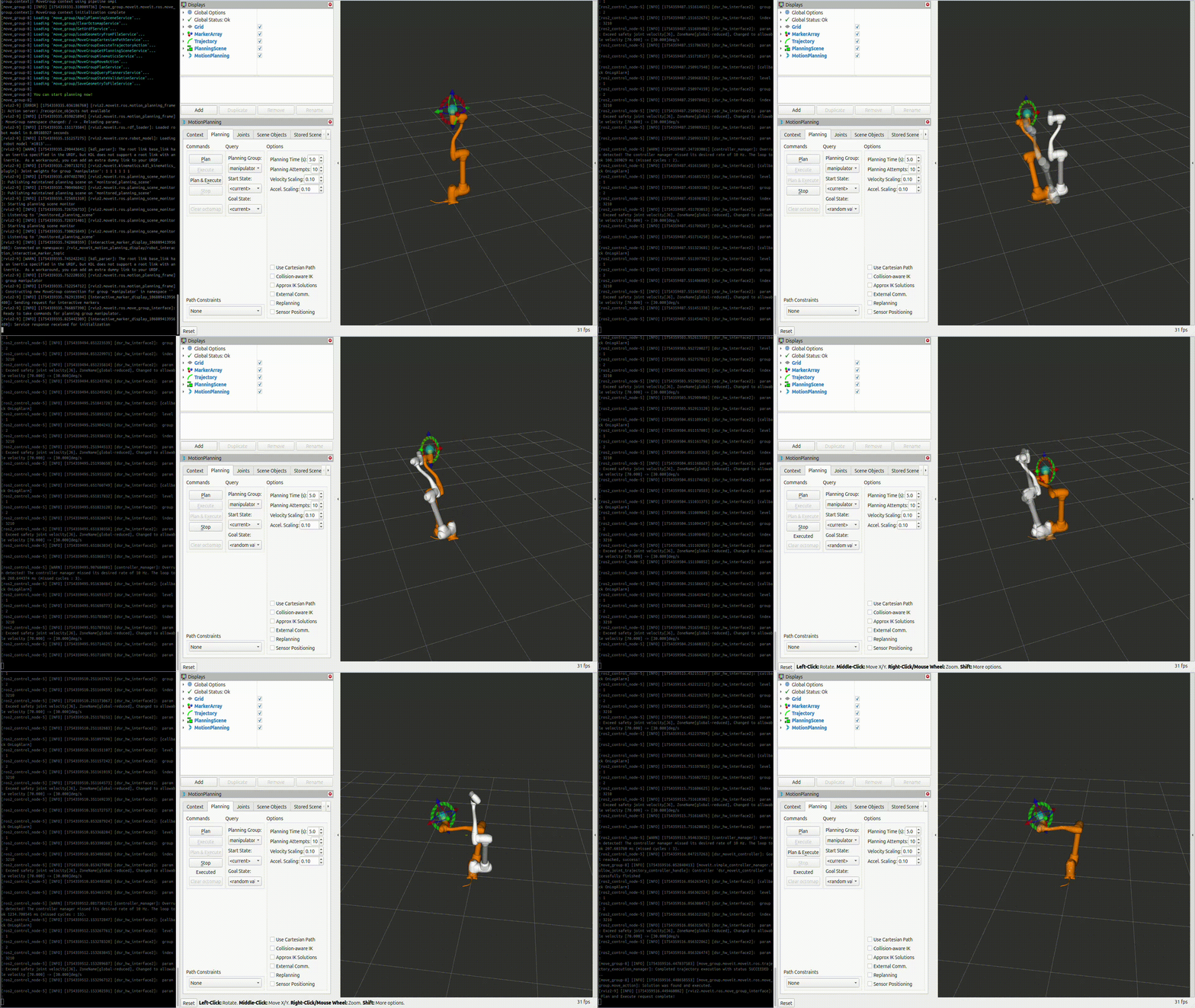
Motion Execution Demo
The animation below demonstrates motion execution using MoveIt 2:
R100 Mobile Manipulator Launch
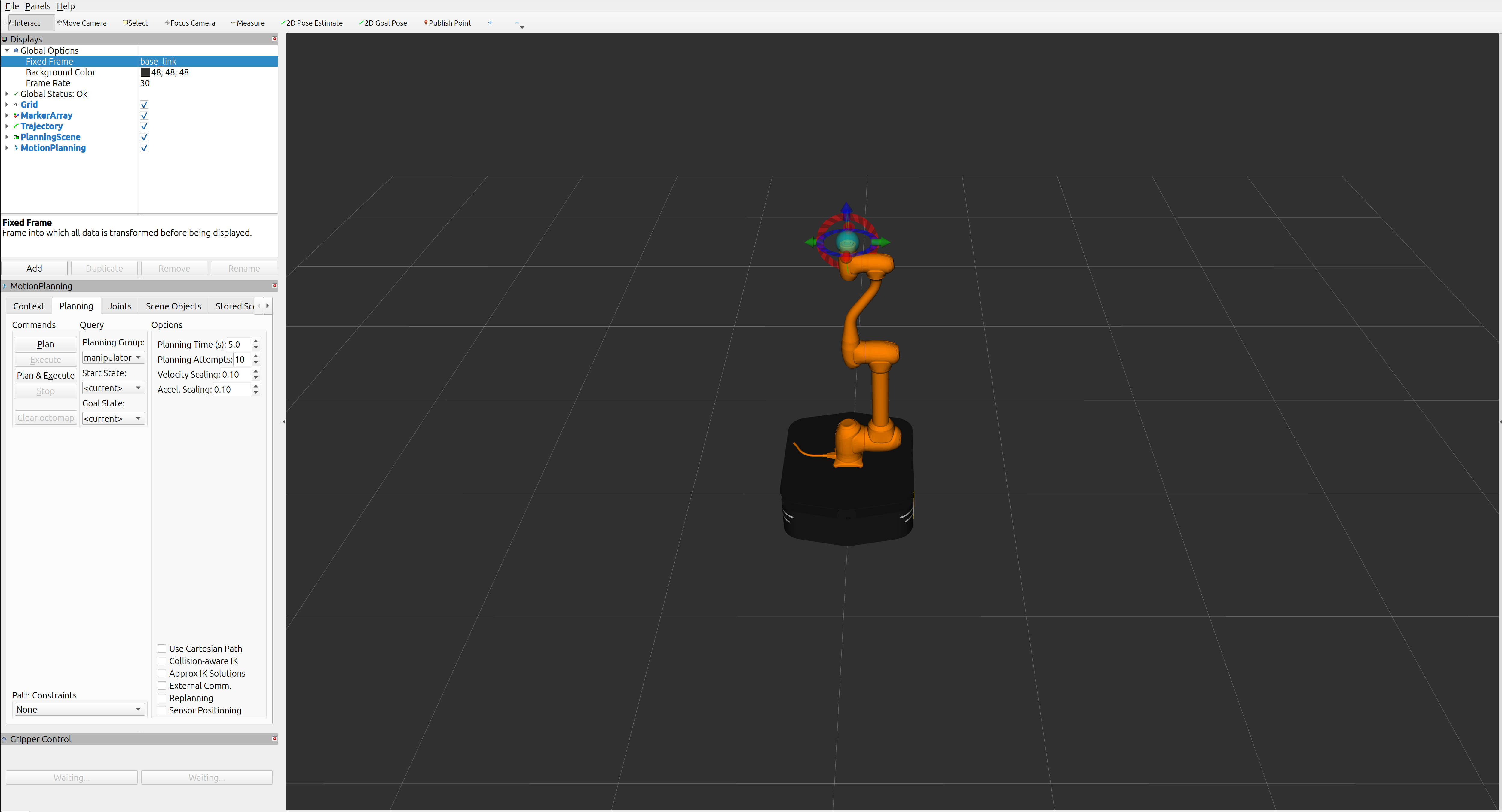
This launch file starts MoveIt2 for R100 (Ridgeback) mobile manipulator variants (single-arm and dual-arm), including planning and execution workflows.
Single Arm + Mobile (MoveIt2)
ros2 launch dsr_bringup2 dsr_mobile_manipulator_moveit.launch.py mode:=virtual model:=r100_m1013 host:=127.0.0.1
You can verify controllers with:
ros2 control list_controllers -c /r100_m1013/controller_manager
Example output:
whole_body_controller   dsr_mobile_wbc2/WholeBodyController                    active
diff_drive_controller   diff_drive_controller/DiffDriveController              active
dsr_moveit_controller   joint_trajectory_controller/JointTrajectoryController  active
dsr_controller2         dsr_controller2/RobotController                        active
joint_state_broadcaster joint_state_broadcaster/JointStateBroadcaster          active
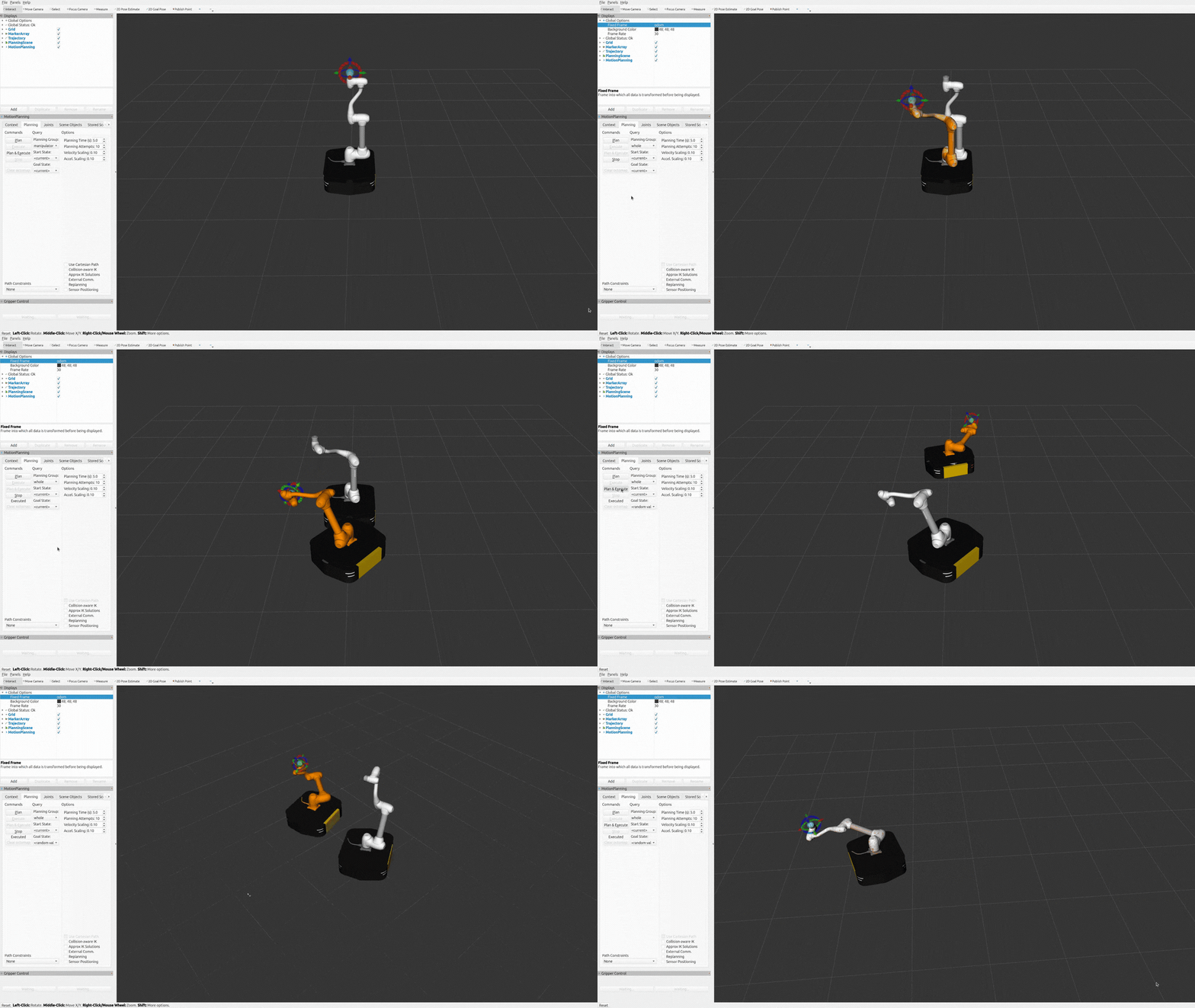
You can also plan and execute motion directly in RViz2 using the MoveIt MotionPlanning panel (by adjusting Joint UI sliders or dragging interactive markers).
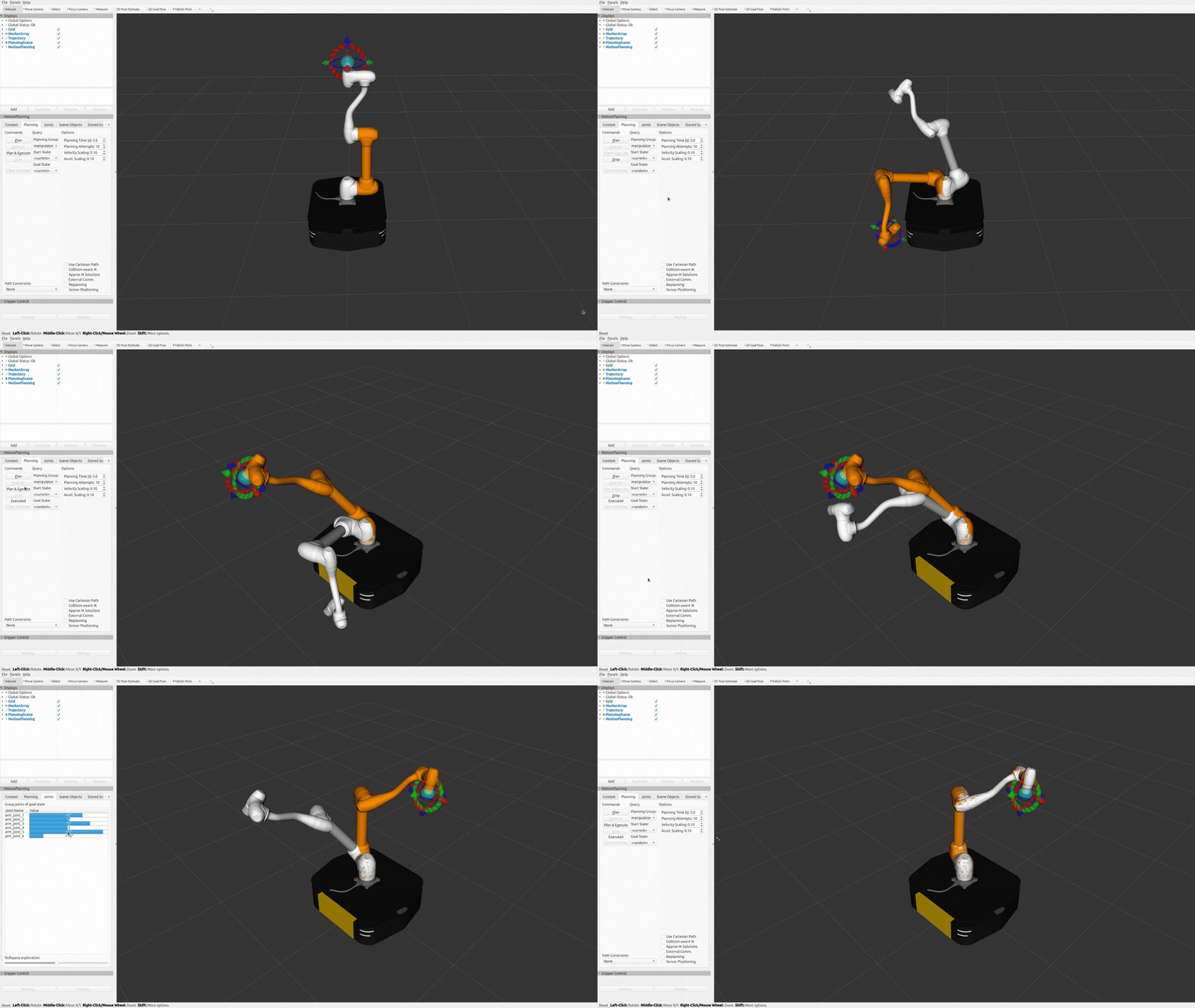
For the mobile manipulator, select the whole_body planning group to include both base and arm joints
in a single planning request. You can then plan and execute from the MotionPlanning panel
using Joint UI sliders (e.g., base + arm joints) and interactive markers.
For whole-body planning and execution, set the RViz2 Fixed Frame to odom.
Dual Arm + Mobile (MoveIt2)
ros2 launch dsr_bringup2 dsr_mobile_manipulator_dual_moveit.launch.py mode:=virtual model:=r100_m1013_dual host:=127.0.0.1
You can verify controllers with:
ros2 control list_controllers -c /r100_m1013_dual/controller_manager
Example output:
whole_body_controller      dsr_mobile_wbc2/WholeBodyController                    active
diff_drive_controller      diff_drive_controller/DiffDriveController              active
joint_state_broadcaster    joint_state_broadcaster/JointStateBroadcaster          active
dual_dsr_moveit_controller joint_trajectory_controller/JointTrajectoryController  active
dsr_controller2            dsr_controller2/RobotController                        active
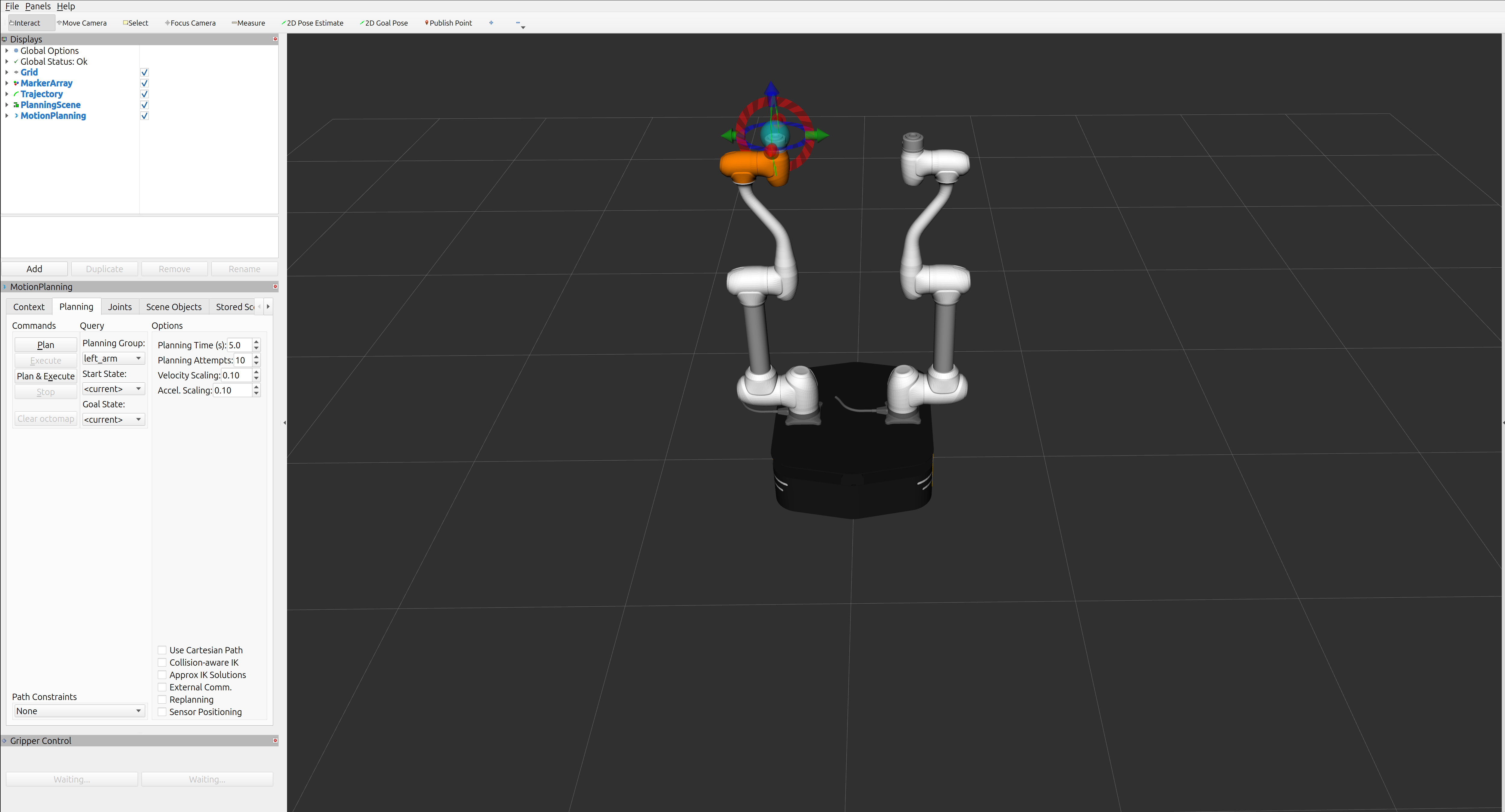
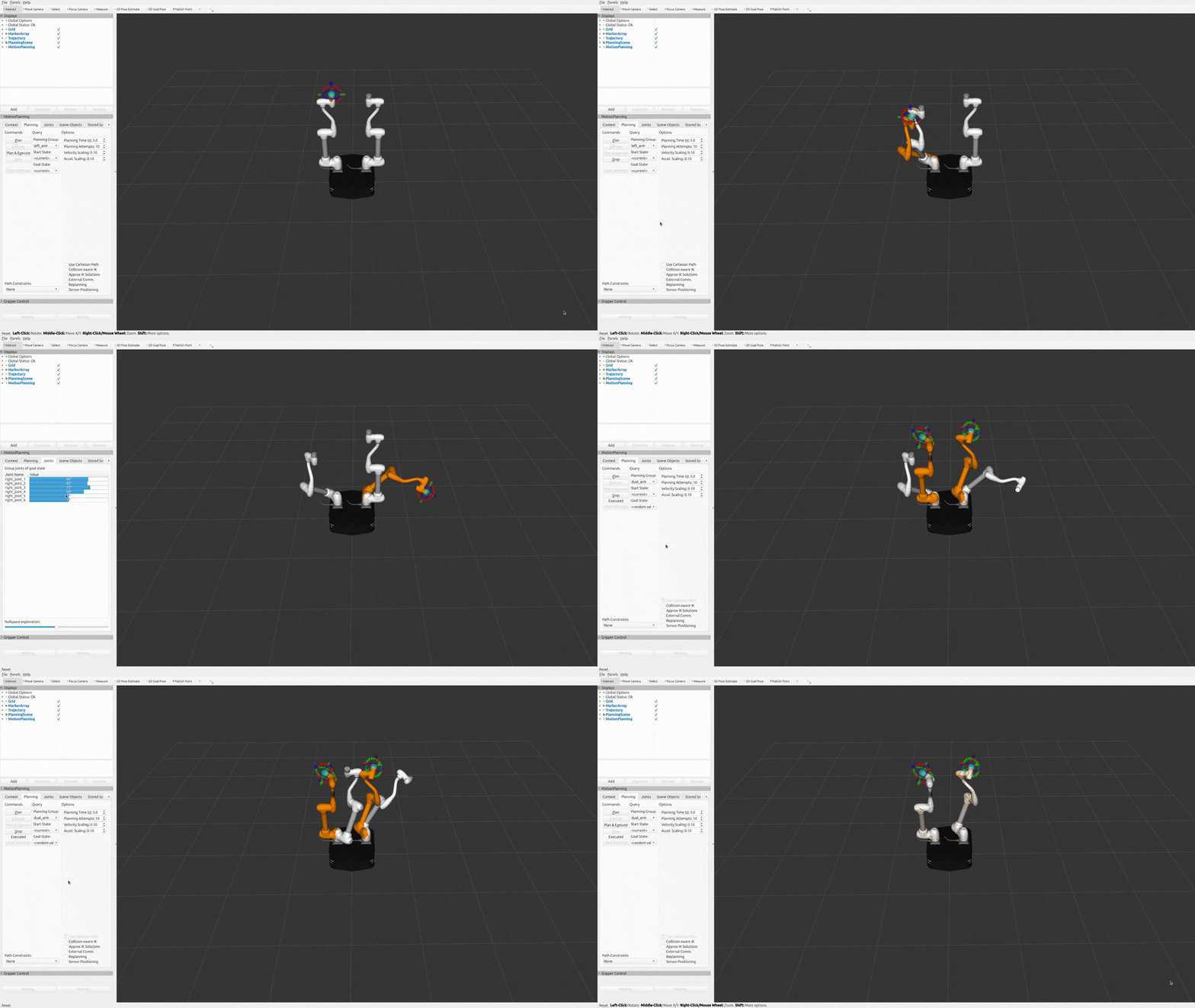
You can also plan and execute arm-group motions directly in RViz2 using the MoveIt MotionPlanning panel
(by adjusting Joint UI sliders or dragging interactive markers) for left_arm, right_arm, and dual_arm.
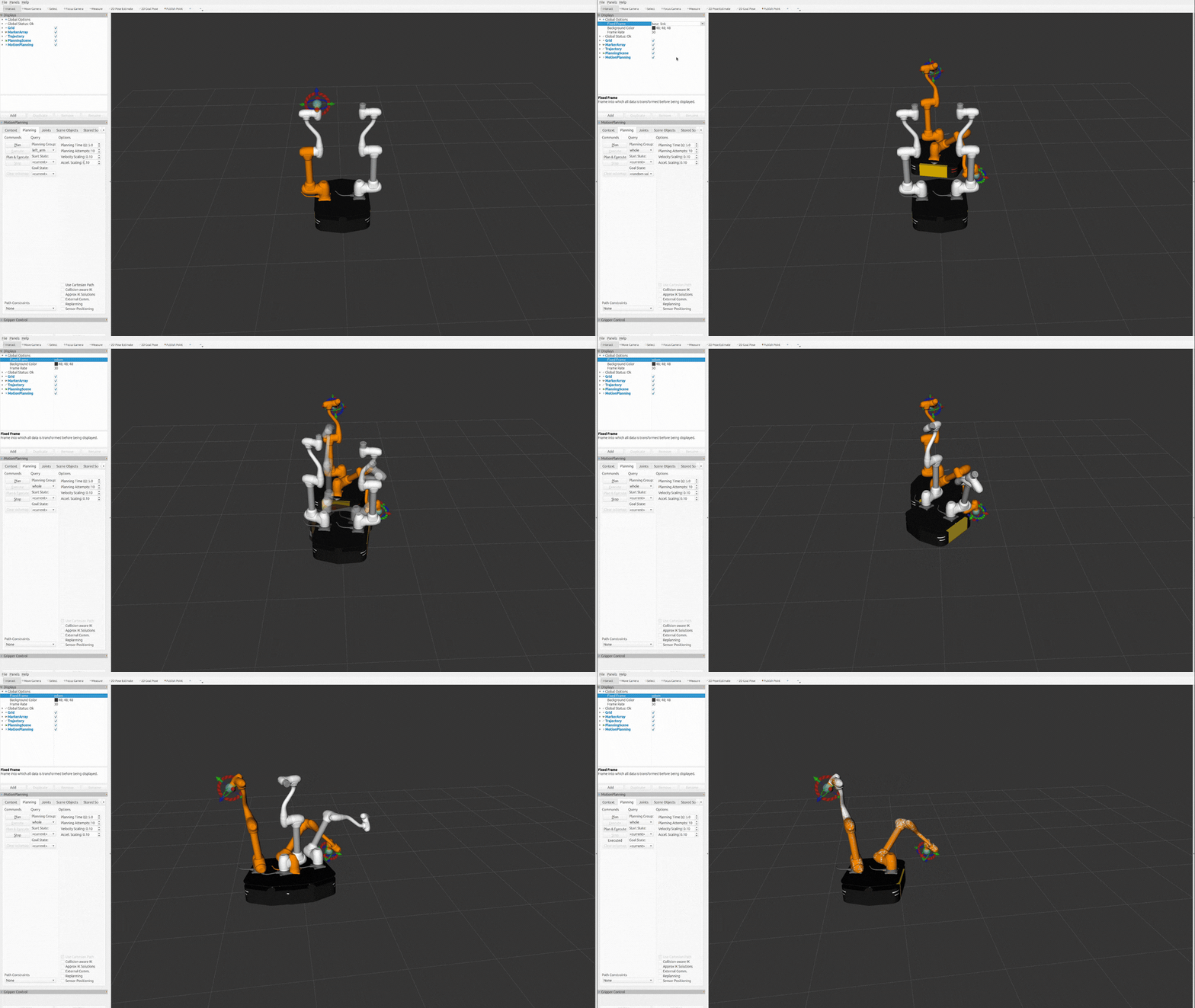
For mobile manipulator planning, select the whole_body planning group to include base and both arms
in a single planning request. You can then plan and execute using Joint UI sliders and interactive markers.
For whole-body planning and execution, set the RViz2 Fixed Frame to odom.
Note
Currently supported manipulator models are
m1013,m1509, anda0509. Support for additional models will be added in future updates.At this time, this workflow is supported only in virtual mode. Real mode support will be added in a future release.